Most guests meet an independent hotel somewhere else first: an OTA listing, a map result, a friend's photo. They visit the hotel's own website briefly to confirm the decision. If it answers their questions and lets them book in a few taps, the booking can come to you; if not, they return to the listing.
This guide covers the decisions behind a hotel website design project for an independent hotel, boutique hotel or guesthouse, in the order we settle them with owners: booking engine, room pages, prices, speed, languages, Google's hotel search, guest data and measurement.
01What a hotel website must do next to the OTAs
A hotel website has one commercial job that no OTA will do for you: give the guest a reason and an easy way to book direct. Visibility is what the platforms sell; your site wins on certainty, on detail they cannot show, and on a relationship that continues after checkout.
So the site should not copy an OTA listing. Guests arriving from a platform know the basics; they want what the listing left vague: how the family room looks from the door, whether the street is quiet at night, how late reception is staffed.
- Certainty: current rates and availability from the same source the OTAs use, so nothing contradicts the listing.
- Detail: room facts, house rules and arrival information that a platform template has no field for.
- A reason to book direct: something real, such as flexible cancellation, a late checkout or breakfast included, stated plainly next to the booking button.
- Ownership: the booking data, the email address and the follow up stay with the hotel.
Before planning pages, write one sentence on why a guest should book with you rather than through the platform. If the team cannot agree on it, no amount of web design work will fix the site.
02Choosing and integrating a direct booking engine
The booking engine often affects conversion more than the design does, so choose it, or confirm the one you have, before the website is planned. A booking engine is the software that shows live rates, takes the reservation and usually passes it to your property management system; a channel manager is the tool that keeps availability in sync across the OTAs.
Check the engine against these points, in this order:
- Confirm it connects to your channel manager and property management system, so a room sold on one channel closes everywhere.
- Open its booking steps on a phone and count the screens and fields between choosing dates and paying.
- Ask how it integrates: a link to a hosted page, an embedded widget, a frame inside your page, or an interface your developer can build on.
- Ask whether it supports cross domain tracking or sends completed booking events to your analytics.
- Check languages, currencies, promo codes and rate plans, and whether you can export guest data.
- Request its data processing agreement and see where guest data is stored.
Each route has trade offs. A hosted booking page on a subdomain is reliable and measurable when tracking is set up correctly. A frame keeps guests visually on your site but often breaks measurement and feels cramped on mobile. A custom integration gives the most control and costs the most to maintain; for most independent properties, a well styled hosted page is the sensible start.
03Room pages and honest total price display
Every room type deserves its own page because guests choose rooms, not hotels, at the moment of booking. It should answer the questions that otherwise arrive by message, with a price the guest will not feel tricked by later.
- Size: square meters, and square feet as well if you host many North American guests.
- Beds: type and width of each bed, whether twin beds can be joined, and whether an extra bed or crib is possible.
- Occupancy: maximum adults and children, stated as numbers rather than as "ideal for families".
- Access: floor, elevator or stairs, step free access, and any steep or narrow parts of the building.
- Honest view and noise: say "garden view" only if the window faces the garden, and mention a lively street if there is one.
On price, the safest rule is that the first figure a guest sees is the figure they pay, apart from genuine extras. In the UK, the consumer regime of the Digital Markets, Competition and Consumers Act, in force since April 2025, bans drip pricing, where unavoidable fees appear late in the booking process.
Other markets have their own rules on taxes, tourist charges and fee disclosure, so agree the display with your booking engine and have a legal adviser confirm it. Show a "from" rate only with the dates and room it applies to.
04Photography, video and page speed that coexist
Photography sells the stay but is also the main reason hotel sites load slowly, so plan both from the shot list onward. Brief the photographer room by room: the view from the door, the bed, the bathroom, the window view and one distinctive detail.
Google's Core Web Vitals give useful targets. Largest contentful paint, the time until the main visible element appears, should be 2.5 seconds or less; on a hotel home page that is usually the hero image. Cumulative layout shift, how much the page jumps while loading, should be 0.1 or less.
Interaction to next paint, the delay before the page reacts to a tap, should be 200 milliseconds or less, which matters for date pickers and gallery lightboxes.
- Export photos in modern formats such as WebP or AVIF; our free image converter shows what that does to file size.
- Serve several sizes of each image so a phone never downloads a desktop file.
- Load the hero image with priority and the rest of the gallery only as it scrolls into view.
- Give every image fixed dimensions so the layout does not jump.
- Use a still poster image for video and play it only when the guest taps.
05Language versions for international guests
Add languages because of where your guests come from, not because a flag menu looks international. Your booking engine and OTA reports show source countries; do the two or three that matter properly before adding more.
A language version is more than translated text. The guest should complete the whole journey in that language, including the booking engine and the confirmation email; if the engine switches language at the payment step, much of the effort is wasted.
- Translate what sells first: room pages, location and arrival, cancellation terms and the booking steps.
- Use human translation or careful review: machine output in policy text creates disputes later.
- Mark up versions with hreflang: each version references every other version and itself, so Google shows the right one.
- Keep guests on the same page when they switch: the German room page should lead to the English room page, not to the English home page.
- Promise only the languages you can answer in: if replies come in English, say so on the contact page.
Folders per language and keeping translations in sync after launch are covered on our multilingual website structure page.
06Google hotel search and free booking links
Google's hotel search can show your own website's rate next to the OTAs at no cost per click; these are called free booking links, and they are worth setting up early. To appear, your rates and availability have to reach Google, either through a certified connectivity partner or directly through Google's Hotel Center.
Many booking engines and channel managers already act as connectivity partners, so the first step is a question to your provider, not a development task. Google can also display an Official site badge. It is reserved for hotel owners, direct suppliers and their reservation partners and never given to OTAs, so it is a clear signal for guests comparing links.
- Ask your booking engine or channel manager whether it is a Google connectivity partner and whether free booking links are included.
- Claim and verify your Google Business Profile, using the hotel's real world name without added keywords.
- Make sure the rate sent to Google matches the rate the guest sees after clicking, including mandatory fees.
Google decides the order and appearance of these links. Paid hotel ads can sit above them, and whether they are worth the budget is a separate question we answer within Google Ads management once free links are running.
07Reviews, trust signals and the guest's doubts
Guests who reach your site have usually read reviews already, so the site's task is to remove the remaining doubts rather than repeat praise. Those doubts are predictable: is this a real, well run business, what happens if plans change, and is it safe to pay here.
- Show reviews with source and date: a feed or a short selection from Google or another platform, unedited, with a link to the full profile.
- Answer criticism publicly: a calm, specific reply to a complaint about noise or breakfast often reassures more than a five star quote.
- State the legal entity and contact details: the operating company, a working phone number and an email address that someone reads.
- Write the cancellation policy in plain words: one short paragraph per rate type, repeated near the booking button.
- Show people: the owner or the reception team, with names, makes a small property feel accountable.
Never write, buy or reword reviews, and do not hide negative ones by showing only a hand picked set without saying so. Besides the ethical issue, consumer law in several markets treats fake or misleading reviews seriously.
Trust also depends on consistency: if the website says breakfast is included and the OTA listing says it costs extra, the guest trusts neither. Review all channels together each season.
08Location, arrival and local guide pages
Location is often the deciding factor for a hotel, and a dedicated location page converts that interest into confidence. Write it for a tired traveler arriving for the first time, not for a brochure.
Cover arrival by every realistic route: from the nearest airport, from the train or bus station, and by car. Describe parking honestly and explain a late arrival: who answers the door, where the key is, which number to call. If you offer transfers, add a request option with its terms.
Local guide pages can bring search traffic, but only when they answer real questions with knowledge your team actually has. A page such as "walking from the hotel to the old harbor" with route notes and timing is useful; a generic list of attractions copied from a travel site is not.
- Keep the hotel's name, address and phone identical on the site, the Google Business Profile and the OTA listings.
- Embed the map so it loads only when the guest scrolls to it or taps it.
- Link each guide page to the rooms that suit that trip, such as family rooms for a beach day guide.
- Date guide pages and review them each season.
Our SEO service builds location and guide content around the searches guests use for your area.
09Seasonal offers and packages without clutter
An offer only works on a hotel website if a guest can book it in the engine at the price you advertise. Before writing any campaign copy, set the package up as a bookable rate plan, with its own conditions, minimum stay and validity dates.
Then give each campaign its own page and address rather than a home page banner. An early booking page can explain the conditions, show which rooms qualify and open the engine with the right rate preselected. When the offer ends, update the page for next season or redirect it.
- One goal per page: a spa weekend page should lead to the spa weekend rate, not to the general room list.
- Conditions near the price: minimum nights, payment terms and cancellation rules where the guest decides.
- No popups over the booking bar: on mobile they often cover the very button you want tapped.
- A clear end date: visible on the page and set in the engine.
For paid traffic, a focused campaign landing page matched to the ad usually does better than the home page. Name packages plainly; a "romantic package" that is a room plus a bottle of wine disappoints.
10Guest data, consent and payments
A hotel collects personal data at every step, so data protection belongs in the website plan, not in a footer link added at launch. For guests in the European Economic Area, GDPR applies; for properties in Turkey, KVKK (Law No. 6698) requires an information notice as well.
- Collect only what you use: an enquiry form needs dates, guest count and a contact channel, not a birth date or passport number.
- Publish a clear privacy notice: who processes the data, why, how long it is kept and how guests exercise their rights.
- Sign a processing agreement: GDPR Article 28 requires one with service providers that handle guest data, such as your booking engine or email tool.
- Ask for cookie consent first: in the EU, non essential tracking starts only after consent, and Google requires consent mode for measurement and advertising features there.
- Keep marketing opt in separate: a booking is not consent to a newsletter.
Your website should never handle card numbers itself; the booking engine or its payment provider takes them on its own secure page. Decide early which rates are prepaid, which take a deposit and which are paid at the hotel, and state it on every room page. Never ask guests for card details or passport scans by email or WhatsApp.
11Mobile first booking from search to confirmation
Treat the phone as the main device for a hotel website design, because many guests research and book on their phones, often while already traveling. Mobile first design means the phone layout is planned first and the desktop version is expanded from it, not the reverse.
Walk the journey on a mid range phone over a mobile connection, not office wifi: search for the hotel, choose a room, pick dates, reach payment. Note every moment you zoom, wait or hunt for a button.
- A sticky booking bar: dates and a booking button reachable with the thumb on every page.
- A date picker that works by touch: large targets, clear selected ranges and no tiny arrows.
- Click to call and WhatsApp: visible but secondary to booking, with staffed hours stated.
- Short forms: the right keyboard for each field, autofill enabled and no repeated fields.
- Wallet payments where the engine supports them: they remove the card typing step for many guests.
Run your current site through our free mobile friendly test before the project starts; it gives you a baseline for after launch. Repeat the booking walkthrough after every engine update.
12Measuring direct bookings and channel mix
A hotel website should be judged by direct bookings and revenue, not by visitor numbers. That requires measurement that follows the guest from your pages into the booking engine and records the completed reservation.
- Define your conversions: completed bookings in the engine, clicks into the engine, phone taps, WhatsApp clicks and enquiry form submissions.
- Set up cross domain tracking or the engine's own analytics integration, so a completed booking is attributed to the page and channel that produced it.
- Tag every campaign link, newsletter and social post with UTM parameters, so traffic sources are not lumped together.
- Track clicks from Google's hotel search and Business Profile separately from organic search.
- Each month, put direct booking revenue next to OTA revenue from your extranet reports and note the share of each channel.
- Review which room pages and offer pages lead to bookings, and improve the ones that attract visits but lose guests.
Expect gaps: consent rules leave part of the traffic untracked, and guests who read the site and then call are not always recorded. Asking "how did you find us" at reception and logging the answer helps. The goal is a trend you can act on, not a perfect number.
13Common hotel website mistakes and better alternatives
The most expensive mistakes on hotel sites are rarely about design taste; they are about broken paths to a booking. Here are the ones we see most often, with what to do instead.
- Booking button only on the home page: guests who land on a room or guide page from search have to hunt for it. Put the same booking bar on every page.
- Rates typed into the site by hand: they go stale within weeks and contradict the OTAs. Pull rates and availability from the booking engine, or show no rates and send guests to the engine.
- A slider of ten full size photos on the home page: it slows the first screen and few guests see past the second image. Use one strong hero image and let galleries live on room pages.
- Automatic translation of the whole site: policies and arrival notes end up wrong. Translate fewer pages properly and state which language the team replies in.
- Stock or heavily edited photos: guests notice on arrival and say so in reviews. Use recent photos of the real rooms and reshoot after any renovation.
- Launching without conversion tracking: nobody knows whether the new site works. Set up booking measurement before launch and check it with a test reservation.
14Choosing a partner and planning the next step
Choose a partner who asks about your booking engine, your guests' countries and your direct booking offer before showing design ideas. Those answers determine the structure; colors and fonts come later.
Questions worth asking any agency, including us:
- Which booking engines have you integrated, and how do you track completed bookings?
- Who writes the room and location content, and who supplies translations?
- How do you handle hotel photography and speed testing before launch?
- What exactly is in the written scope, and what counts as a later change?
- Who maintains the site after launch, and how are rate or policy updates handled?
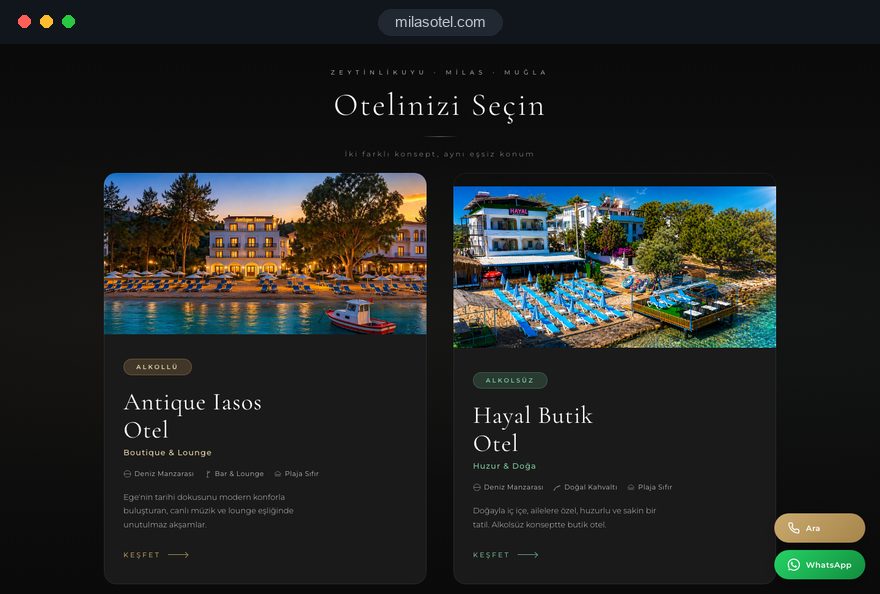
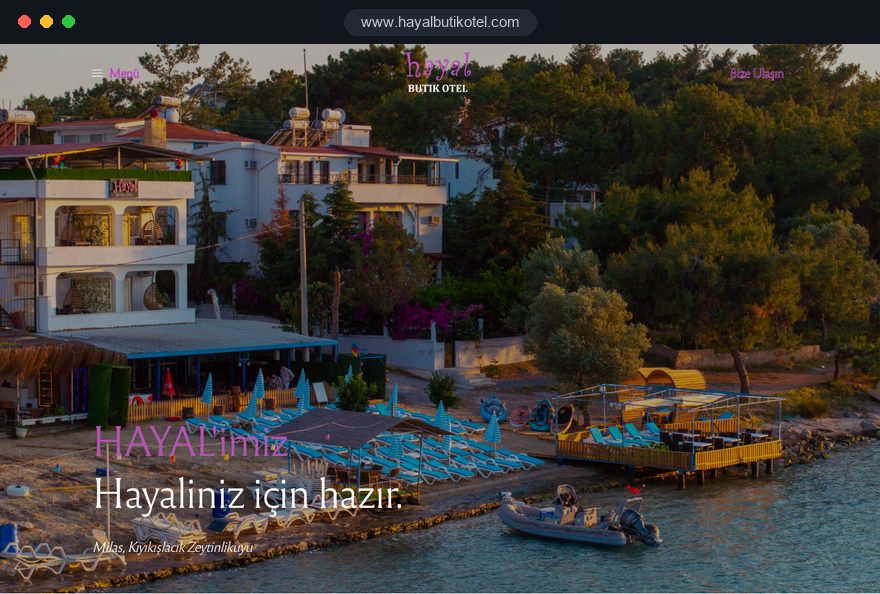
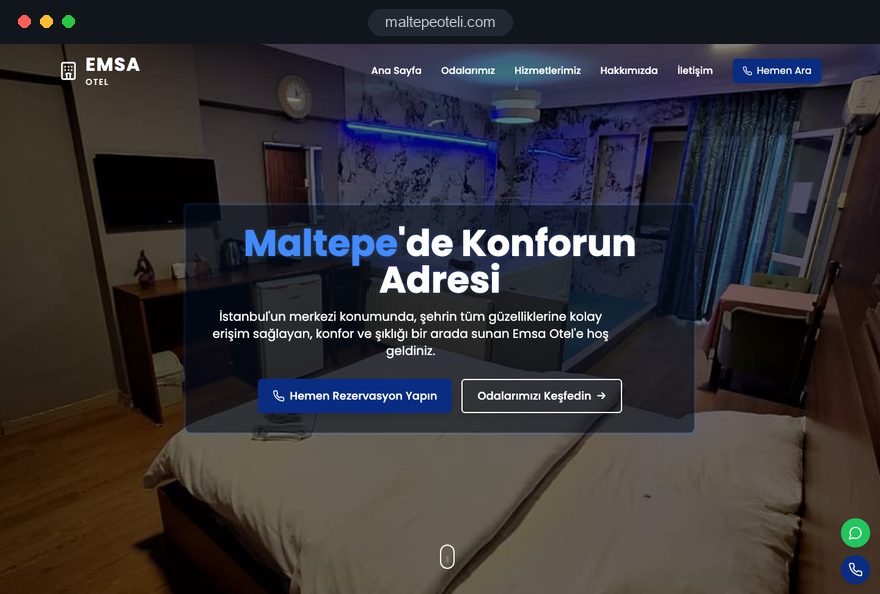
For transparency: the hotel projects shown on our references page are Turkish language sites for hotels in Turkey. They show how we structure room pages, booking flows and local search; hotels outside Turkey work with us remotely.
To prepare, list your room types, your booking engine and channel manager, your main source countries and the reason a guest should book direct. Fixed packages are listed in the pricing section of our web design page. If your property needs a different scope, send those details through our contact form and we will come back with a proposed page structure and a written quote.