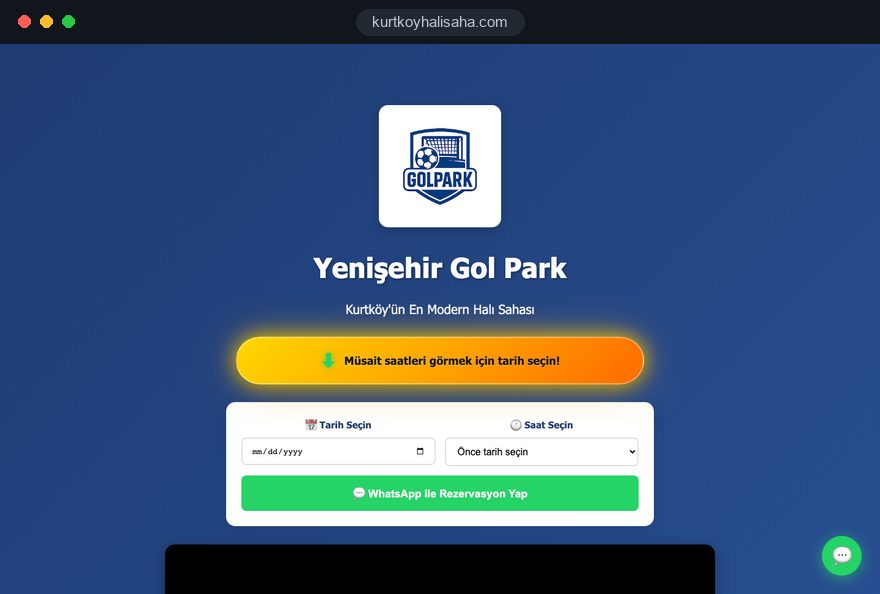
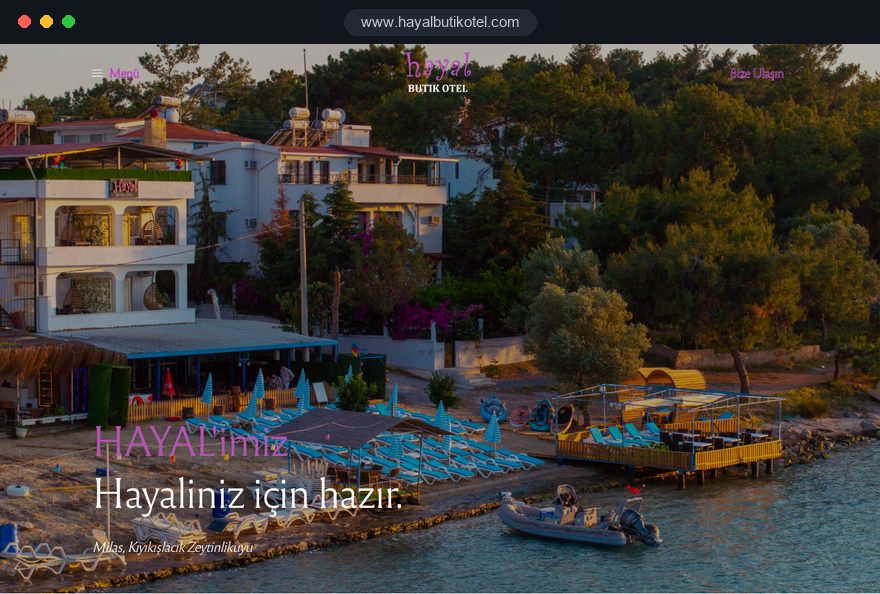
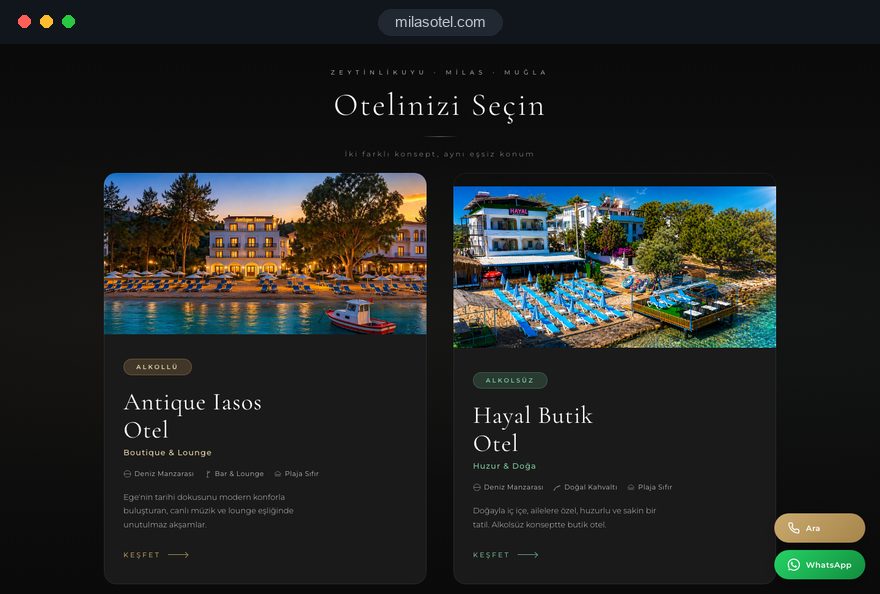
A booking website succeeds or fails on the rules behind the calendar, not on the calendar itself. If capacity is entered wrong, or a slot stays locked when a payment fails halfway, a polished interface only moves the problem from the screen to the front desk.
In this guide, Talha Aslan and team walk through the decisions we make, in order, when we plan a booking system with businesses that sell rooms, courts, tables, tours or event seats. Each section gives you a criterion, a short checklist or a question you can put to your agency or booking software provider this week.
01Define the unit you sell and how it uses time
The first decision in any booking system is writing down exactly what you sell: a unit, the capacity of that unit and the way it consumes time. A padel court sells an hour, a guesthouse sells a night, a boat tour sells a seat in a departure. Each model needs its own screens, rules and reports.
Details businesses most often leave out:
- Splittable spaces: If one large pitch can be divided into two small ones, booking the large pitch must close both small ones, and the reverse.
- Combinable units: If two tables are pushed together for a party of eight, the system has to understand that combination.
- Room types instead of rooms: Hotel guests usually book a room type, not room 12; the specific room is assigned later.
- Seats versus spaces: A cooking class sells places per person, while a court is fully taken even if only one player shows up.
In our first meeting we ask for one real week of the booking diary, because the manual exceptions written in the margins show which rules the system has to know. If what you sell is one person's time, such as a physiotherapist's sessions, a calendar model fits better than a capacity model, and an appointment website is the right starting point.
02Write the rules table before any design work
Collecting every booking rule in a single table before anyone draws a screen prevents most late surprises. Any rule that lives only in a staff member's head will eventually turn into either a double booking or a guest who was refused for no reason.
We suggest filling the table in this order:
- Opening pattern: Weekly hours, public holidays, maintenance windows and off season closures.
- Duration rules: Minimum and maximum stay or play time, session length, and the cleaning or setup buffer between two bookings.
- Booking windows: How far ahead guests can book and the latest time to book for the same day.
- Party rules: Minimum and maximum guests per unit, how children and infants are defined, group limits.
- Reserved capacity: Fixed weekly slots for league teams, corporate blocks and allocations kept back for staff.
Once the table is complete, ask one question for every row: will the guest see this rule on screen, or does it only work in the background? A two night minimum stay, for example, needs a plain sentence when someone selects a single night. Otherwise the calendar looks full for no visible reason. The same table later becomes the scope of your written quote.
03Temporary holds and how double bookings are prevented
What prevents double bookings is not how the calendar looks, but what the system does when two people select the same unit at the same moment. In a properly built booking system, the selected unit is held for a short time while the guest pays, cannot be sold to anyone else during that time, and returns to availability automatically if payment is not completed.
The hold time has to suit the business. Too short, and it expires during card authentication, so a guest pays and still loses the slot. Too long, and units sit locked during the busiest hour. Set it with the real duration of your payment provider's 3D Secure step in mind.
Questions to ask your developer or booking engine provider:
- If two payments arrive for the same unit in the same second, which one wins and what does the other guest see?
- If the payment provider confirms late, how is the booking matched, and can a record be lost?
- How does a phone booking entered in the admin panel affect a guest who is on the payment step at that moment?
- Are expired holds reported separately?
Expired holds are the clearest sign that guests are giving up on the payment step, and without them you will struggle to see a problem there. Before launch, try to book the same unit from two phones at the same time; it is the quickest practical test of everything in this section.
04Hosted booking engine or a system built into the site
A hosted booking engine is usually enough for businesses with standard rules that want to start quickly, while a system built into the site makes sense when your rules do not fit existing products. Make the decision with your rules table in hand, not on the look of the demo.
A hosted engine is the sensible choice when:
- Your rules are similar across your industry, as they mostly are in accommodation.
- You already use a channel manager and the engine connects to it directly.
- A monthly subscription and dependence on one provider are acceptable to you.
A system built for your site fits better when:
- You have many exceptions: splittable courts, combinable tables, recurring league slots.
- Bookings need to talk to other systems, such as accounting, access gates or a loyalty program.
- You want guest data and reports to stay entirely on your own server.
Before choosing, ask for a trial account and set up three hard scenarios from your rules table, for instance a three night minimum over a holiday weekend.
If you go hosted, the site's job is to embed the engine in a matching design and make the date picker reachable from every page. When your rules really are unusual, building the system with custom software development is healthier over time than forcing a hosted engine with workarounds.
05Rates, seasons and discount logic
Pricing logic is the second rule set that needs as much care as availability, because an extra charge that first appears on the payment screen is one of the most common reasons guests abandon a booking. Show the full total as soon as dates and guests are selected.
Questions to settle when designing rates:
- Price basis: Per unit, per person or a mix of both, and how extra adults and children are charged.
- Periods: Weekday and weekend rates, high season and holiday periods, evening rates for courts.
- Promotions: Early booking, long stay, promo codes, and which of them can be combined.
- Extras: Breakfast, equipment rental, transfers and other optional items, each with its own limit.
Decide in advance whether promotions stack. If an early booking discount and a promo code apply on top of each other, you end up selling at a figure you never intended. The rule is simple: every promotion needs a start and end date, the units it applies to and a clear yes or no on combining.
Extras have capacity too. To avoid selling fifteen lunches on a ten seat boat tour, or renting the same single racket twice in one hour, treat extras as small units with their own availability. Rate changes should also never touch existing bookings.
06Deposits, prepayment and cancellation terms
The payment model is a balance between how much protection you want against no shows and how easy you make the decision for the guest. Full prepayment protects capacity most strongly but asks more of the guest; a request without payment makes deciding easy but does nothing for an empty slot.
The three basic options and where they fit:
- Full prepayment: Short units that are hard to resell at the last minute, such as a single tour departure or a workshop.
- Deposit: Accommodation and group bookings, with the date and method for the balance written out clearly.
- Request only: Special requests, corporate enquiries and large groups that you approve by hand.
In the UK, regulation 28 of the Consumer Contracts Regulations 2013 excludes accommodation, catering and leisure services booked for a specific date or period from the statutory cancellation rules. In practice your own terms decide what happens when a guest cancels, so the clarity of those terms is what prevents most disputes.
When writing your cancellation terms, state how many days before arrival cancellation is free, how much is refunded after that and whether a date change counts as a cancellation. Place the text directly above the pay button, and repeat it word for word in the confirmation email. Have the final wording reviewed by your legal adviser.
07Channel managers, calendar sync and their limits
If you also sell through booking platforms, one rule applies: availability lives in one place and everything else is fed from it. A channel manager is software that updates availability on your site and on every platform from the same data; calendar sync is a simpler, file based connection.
Sync through calendar files such as iCal depends on the other side reading the file at intervals, so a booking made between two reads does not appear elsewhere straight away. For a small property with few units and quiet periods, that can be an acceptable risk. In peak weeks it is a source of double bookings.
What to check when channels are connected:
- Does the connection carry only availability, or rates and rules as well?
- Does a platform booking arrive in your panel with guest details, or only as a blocked date?
- Does a cancellation on one channel reopen the slot on all the others automatically?
- When the sync fails, are you alerted, or does it stop silently?
The last point causes the most trouble in practice. Set up an error alert and compare one platform calendar against your panel once a week.
08A booking screen that works fast on a phone
Most bookings are made on a phone, often in the evening, so we design the booking screen for mobile first. Choosing dates, guests and a unit should be possible with one hand, without scrolling and without typing.
The criteria we hold the mobile screen to:
- Date picker: Unavailable days are greyed out and cannot be tapped; start and end are chosen in one calendar, and no keyboard opens.
- Number of steps: Selection, guest details, payment, confirmation; any extra step has to justify itself.
- Guest checkout: Forcing account creation on a first booking adds friction for no benefit.
- Tap targets: Time slots and guest counters are large enough to hit with a thumb.
Google's Core Web Vitals give a useful speed target. LCP measures how long the largest element on the page takes to load, and the good threshold is 2.5 seconds or less. INP measures how quickly the page responds to a tap, with a threshold of 200 milliseconds. CLS measures how much elements shift while loading, with a threshold of 0.1.
INP matters most on booking screens, because every date tap runs an availability query, and a lagging calendar makes guests tap the same day twice. Check where your current site stands with our mobile friendly test.
09Confirmations, reminders and no shows
A booking confirmation should answer every question in the guest's head in one message; an incomplete confirmation means the phone rings again.
What the confirmation should contain:
- Booking reference, date, time or number of nights, and the unit name.
- Amount paid, balance due and how the balance is paid.
- Cancellation and date change terms, in the same words as on the payment screen.
- Address, map link, parking and arrival instructions.
- One contact channel the guest can reach with a single tap to change the booking.
For a court, a short message a few hours before play is enough; for a stay, a reminder a day or two ahead with arrival times and directions is more useful. Adding a cancel or change option to the reminder looks counterintuitive, but a guest who releases the slot in advance is always preferable to an empty unit.
If you send notifications by WhatsApp, get the guest's clear agreement for that channel and keep templates short. Rather than sending everything twice, put full details in the email and a short reminder in the message.
10The admin panel and your team's daily routine
On the business side, a booking system only works if phone bookings go into the same panel as online ones. If staff keep a paper diary alongside it, the idea of one source of availability falls apart on the first busy evening.
We build the panel around how your team actually works. Entering a booking during a phone call should take a few taps, the day's list should fit on one screen, and closing a slot for maintenance or private use should be a single action.
Features worth asking for in the panel:
- Roles: Front desk staff create and edit bookings; rates and refunds stay with managers.
- Change history: You can see who changed or cancelled which booking, and when.
- Daily view: Today's arrivals, unpaid balances and special requests in one list.
- Source field: Every booking shows whether it came from the site, the phone or a platform.
Before launch, we recommend a rehearsal day with your team. Everyone enters a few test bookings, cancels one and moves another to a new date; the test records are deleted afterwards.
11Guest data, privacy notices and cookie consent
A booking form collects personal data, so plan where it is stored and who can see it. Guests should get a short privacy notice at the point of collection explaining what you collect, why and how long you keep it.
The form should ask only for what the booking needs: name, phone, email and, where relevant, the number of guests. Do not ask for date of birth, home address or ID numbers unless you genuinely need them online; anything required at arrival can be collected at the desk.
A data checklist for your booking system:
- The privacy notice sits right under the form, with a one line summary rather than only a link.
- Marketing consent is requested separately from the booking, with an unticked box.
- The special requests field does not invite health details; if you need allergy information, handle it deliberately.
- Everyone with panel access has their own login, with no shared passwords.
- You have decided how long old booking records are kept.
If you welcome guests from the European Economic Area, non essential analytics and advertising cookies need prior consent, and Google requires consent mode for its measurement and personalized advertising features for those visitors. Place the cookie banner so that it never covers the booking button.
12Measuring bookings and getting found in search
What a booking site needs to measure is how many people leave at each step of the booking flow; otherwise you can only guess whether the problem is the calendar, the price or the payment.
The core steps we track:
- Dates and guests selected.
- An available unit chosen.
- Guest details entered and the payment step opened.
- Booking completed, with value and traffic source.
If a hosted engine runs on a separate domain, the source of the visit can be lost on the way, so ask the provider whether tracking across domains is supported. Watching the ratios between steps with our conversion rate calculator shows where improvement should start.
If each step also records the date range and unit type, you can ask sharper questions; when weekend stays drop off at payment, the issue is likely the rate or the cancellation terms. Tag ad and social links with our UTM builder to see which channel brings real bookings.
In search, nobody looks for a booking screen; people look for the unit. A separate page for every room type, court or tour, with real photos, capacity and rules, helps both visibility and the guest's decision. For accommodation, our hotel website guide covers those pages in depth.
13Common booking system mistakes and better alternatives
Most of the mistakes we see in booking projects come from rules nobody decided, not from software. These six come up most often, each with the better approach:
- Keeping phone bookings out of the panel: When a paper diary and the panel live side by side, double bookings are only a matter of time; enter every phone booking in the same panel.
- Showing the total only at the last step: Extras and taxes that appear at payment make guests leave; show the complete total the moment a selection is made.
- Hiding cancellation terms at the bottom of the page: Terms nobody saw lead to disputes; put them directly above the pay button and in the confirmation email.
- Running without a hold time: When payment stops halfway, the unit is either locked indefinitely or sold twice; define a short hold that releases automatically.
- Setting up sync and forgetting it: A calendar sync that stops silently produces double bookings on the busiest day; add an error alert and a weekly comparison.
- Making the form long: Unnecessary fields tire guests and increase data risk; ask only for what the booking needs.
14Choosing a partner and your next step
When you commission a booking website, judge the agency by how precisely it asks about your rules, not by its portfolio screenshots. A team that does not ask about capacity, hold times, cancellation terms and channels in the first conversation will bring those questions back to you halfway through the project.
Questions you can ask in that conversation:
- What does the system do when two payments arrive for the same unit at the same time?
- How will we notice when the channel sync stops?
- Whose server holds the booking data, and how is it handed over if we part ways?
- After launch, can we change rates and rules ourselves?
When comparing quotes, check that the scope is written out: number of units, which rules, which payment provider, which channel connection and who supports the system after launch. A vague scope turns the first change request into a new negotiation.
We start every project from your rules table, then put the flow, screens and payment connection into one written quote. You can see sites of ours that take bookings on the references page and read how we work on our web design service page.
Starting with a site without bookings and adding the module later is also possible; fixed price packages are in the pricing section. Tell us through the contact form what you sell, your capacity and how bookings arrive today, and we will map the right flow with you.