These notes are for owners and managers in Vancouver who are planning a new website or replacing a tired one: freight forwarders and importers near the port, suppliers to film and animation studios, restaurants and tour operators along the waterfront, clinics, contractors and professional firms. A web design Vancouver project usually starts with a moodboard, but the decisions that shape results sit earlier: which audience pays the bills, which British Columbia rules touch your forms and who controls the accounts.
Below, Talha Aslan and team walk through those decisions in the sequence they usually surface. Every part closes with something you can act on this week: a phone test, a question to put to a studio, or a clause for the agreement.
01The Job a Website Does in Vancouver's Economy
In Vancouver a website has to work for a dense local market and for buyers who are an ocean away, often at the same time. Statistics Canada counted 662,248 residents in the City of Vancouver in 2021, living at 5,749.9 people per square kilometre; Toronto reached 4,427.8 and Calgary 1,592.4 in the same census table.
That density means a café on Commercial Drive or a physiotherapist in Fairview competes with several rivals inside a short walk. Meanwhile the port moved a record 170.4 million tonnes of cargo in 2025, so a customs broker's real customer may be a purchasing manager in Seoul reading on a laptop. Before design begins, write down which of these readers matters most:
- Neighbourhood customers: they decide within seconds, on a phone, comparing hours, reviews and distance.
- Overseas and interprovincial buyers: they read slowly, look for certifications, trade lanes and a named contact.
- Productions and agencies: they need proof of capability, availability and a fast way to book you.
- Visitors: they arrive by ship or plane and want directions, opening times and simple booking.
The order of this list should become the order of your homepage and the goals you measure.
02Who Searches for What, From Kitsilano to the Cruise Terminal
Vancouver searches name a neighbourhood, a landmark or a transit stop far more often than a postal code, so your pages need the same vocabulary. Typical patterns look like "bike repair Mount Pleasant", "sushi near Waterfront Station", "notary Kerrisdale" or "kids dentist Hastings Sunrise".
- Landmark searches: visitors type Gastown, Granville Island, Stanley Park or Canada Place and then a need such as lunch, tours or bike rental.
- Municipal boundaries: Burnaby, Richmond, North Vancouver and Surrey are separate cities, and residents there often write their own city name, not Vancouver.
- Seasonal swings: the cruise season from spring to autumn lifts searches for walking tours, whale watching and quick meals near the terminal.
- Business buyers: procurement teams search for services plus a trade term, for example "cold chain forwarder Vancouver" or "transloading Delta".
Make a short list of the ten phrases that would bring you the most valuable enquiries. Type each on your phone in a private window, then record what appears first: the map, ads, a directory or a business site. That record tells you whether to invest first in your Business Profile, in service pages or in visitor content.
Searching web design Vancouver will mostly surface studios in the city; the next section explains how a remote partner can be judged on the same terms.
03Hiring a Partner Abroad Without Losing Control
Distance stops mattering once agreements live on paper and drafts sit where you can open them at midnight if you wish. Talha Aslan and team are based in Istanbul. Since British Columbia moved to permanent daylight time in March 2026, Istanbul is 10 hours ahead of Vancouver all year, so an 8 a.m. call in Vancouver is our early evening.
That gap can be an advantage: comments you send at 3 p.m. Pacific reach us overnight and are often addressed before your next morning. The risk is ambiguity, so test any studio, local or remote, with these questions:
- Do you send a dated summary after every call listing decisions, open items and who owns each one?
- Will the written scope list every template, language, form and integration, and name what is excluded?
- Is there a protected preview link I can check on my own schedule?
- Who edits the English copy for Canadian spelling and the tone my customers expect?
- What happens to my site and data if we stop working together?
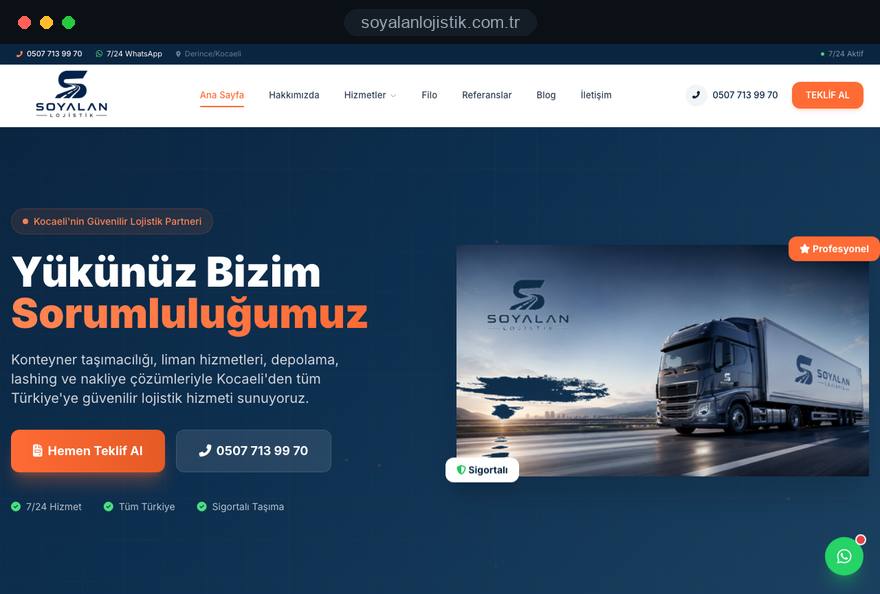
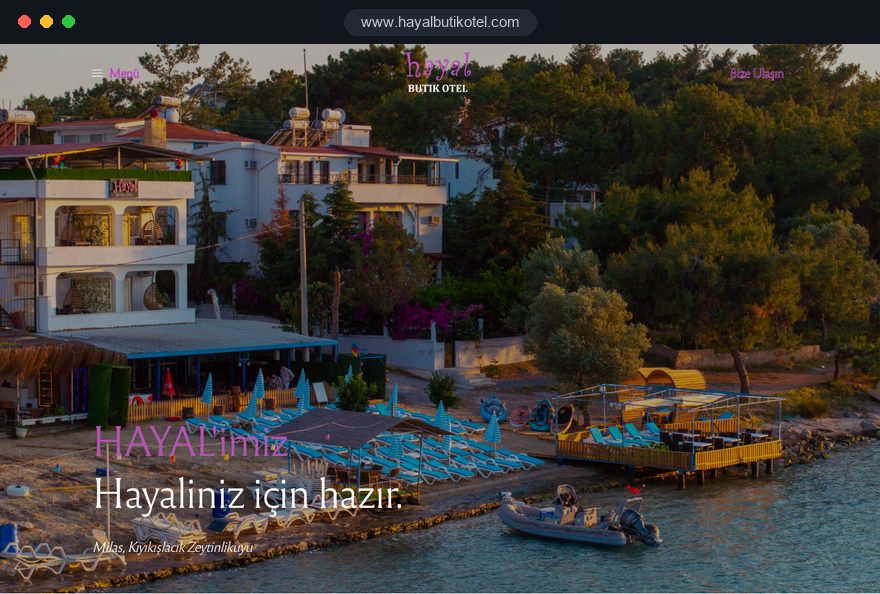
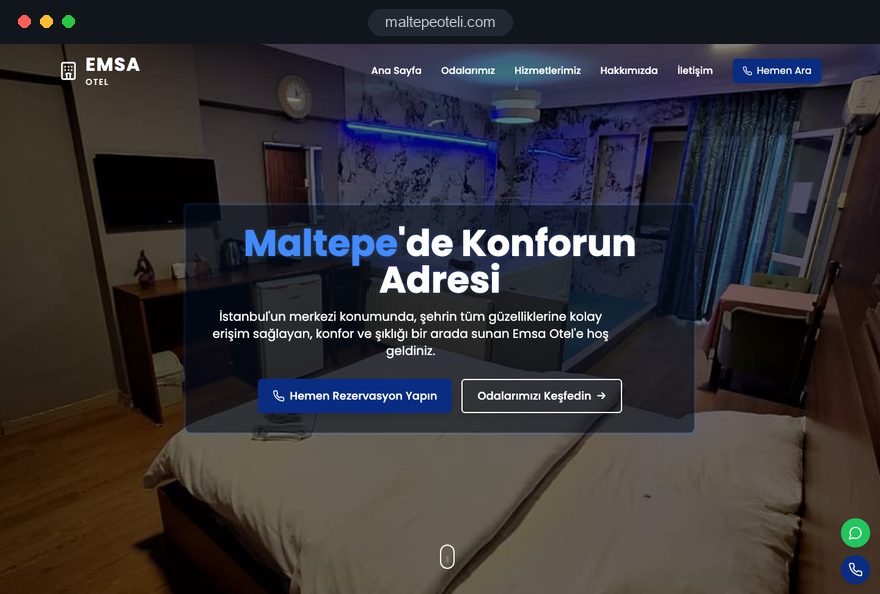
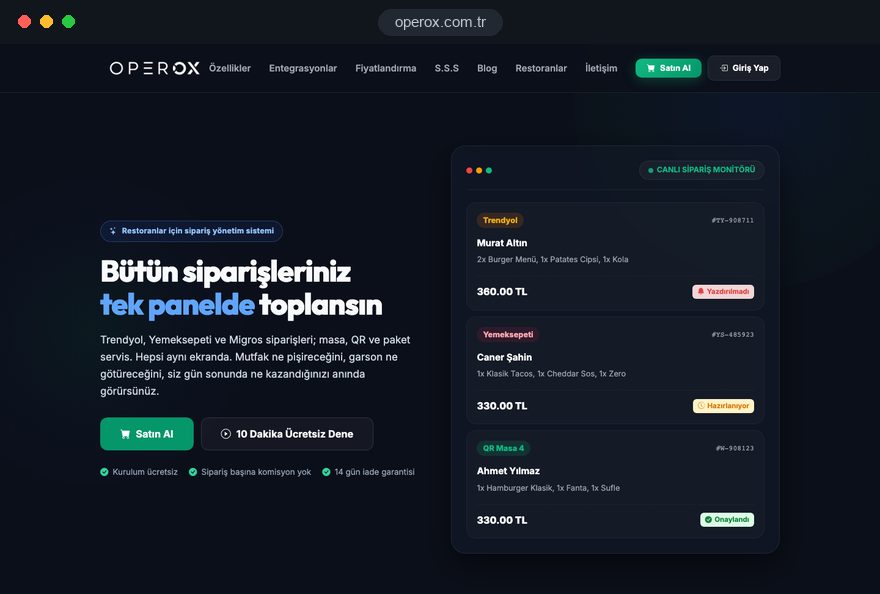
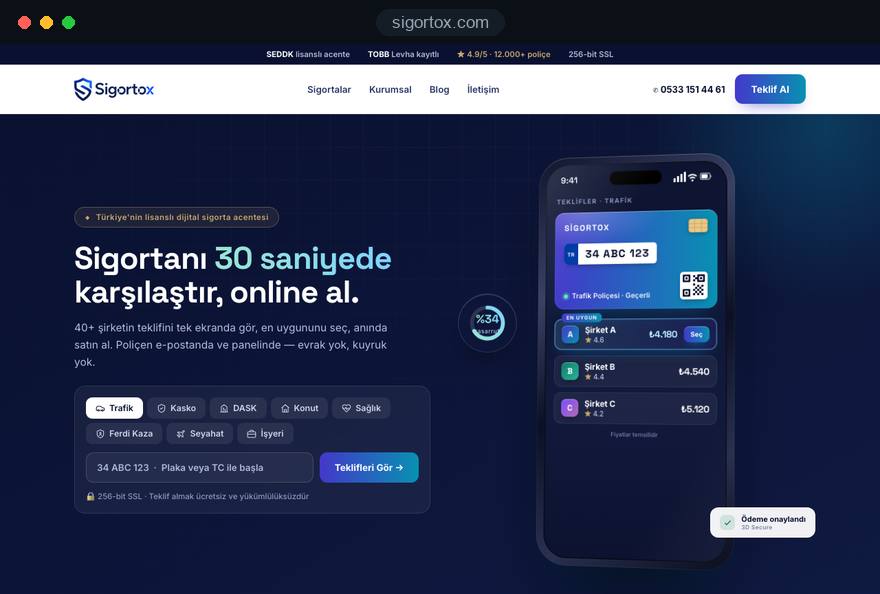
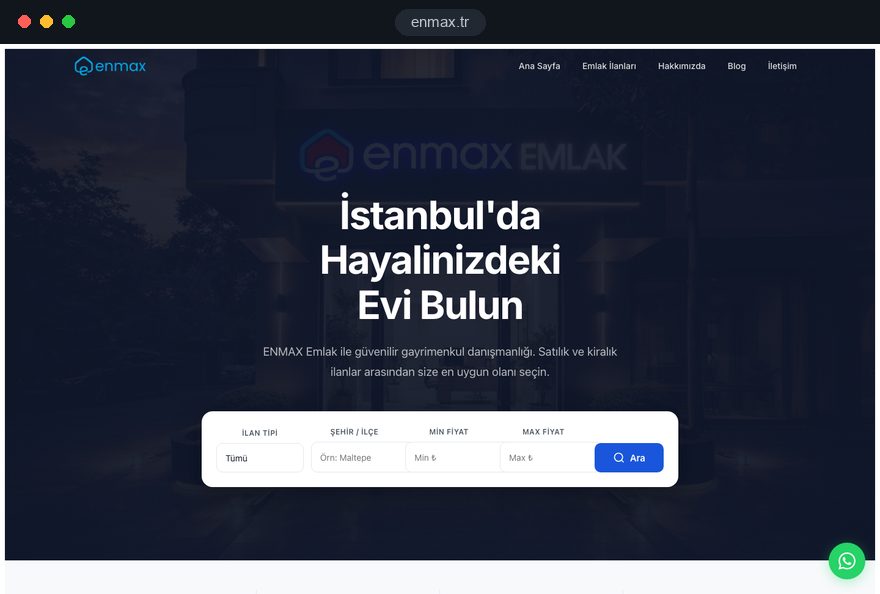
Judge launched sites, not pitch decks. Everything we have built so far is in Türkiye and appears in our portfolio of finished websites; load a few of them over mobile data, fill in a form, and hold them to the standard you would expect from a Yaletown studio.
04Domain, Hosting, Code and Accounts in Your Name
Put every asset the site relies on under the company's name and your own login before anyone shows you a first draft. Recovering a domain or an analytics property tied to a former employee's mailbox can stall a business for weeks.
- Domain choice: a .ca tells Vancouver buyers you trade in Canada, while a .com fits companies whose buyers sit across the Pacific. The .ca registry has Canadian presence rules, so confirm eligibility with your registrar first.
- Registrar and DNS: DNS is the address book that points your domain to the web server and to email. Keep the registrar password in your own vault and save a copy of all records ahead of any edit.
- Hosting contract: billed to the company, with your own control panel access and a server region near your main audience.
- Code and media: a clause transferring the paid for theme, programming, texts and images to your company, with a full backup delivered at launch.
- Google and marketing accounts: the map profile, Search Console, GA4 and the mailing tool belong to a company mailbox; the agency gets user access only.
Port and logistics firms should add one more item: if the site connects to a tracking or quoting system, the API keys and the documentation belong in your hands too. Write all of this into the agreement; a careful studio will sign it without debate, and switching providers later becomes an ordinary handover instead of a dispute.
05How a Fully Online Project Runs, Step by Step
Seven stages make up our website design service for Vancouver clients, and none starts until you have signed off the previous one in writing:
- Morning discovery call: a video call at the start of your day about audiences, services and the enquiries you want, with a recap in your inbox before you close the office.
- Scope document: pages, languages, forms, integrations, revision rounds and milestones in one file you can compare with other offers.
- Content map: each page gets a purpose, a main search phrase and an owner for text, photos and video.
- Design of two key templates: the homepage and one service or product page, discussed by screen share before the rest is drawn.
- Build on a private preview: you follow progress in our CRM and open the preview on your own phone whenever you want.
- Testing: forms, consent boxes, speed, redirects and analytics events, each checked and ticked off in writing.
- Go live: a midweek launch window, then a recorded session showing your staff how to change texts and photos.
No one needs to travel at any stage. Should a trip take you to Istanbul, our Ataşehir office is open for a coffee and a face to face review; nothing in the schedule depends on it. Ask any candidate for an anonymized scope from an earlier project, because its level of detail shows how the rest will go.
06Local Search in Vancouver: Profile, Neighbourhoods, Reviews
For neighbourhood customers, your Google Business Profile often matters more than any page on the site, because "near me" searches are answered on the map first. The profile name has to be the name painted on your door, and Google's guidelines forbid stuffing keywords into it, so "Main Street Bike Repair Cheap Tune Ups Vancouver" would break the rules.
- Primary category: pick the narrowest accurate category, then add services in your customers' own words.
- Address or service area: a plumber who visits homes in Point Grey and Dunbar can hide the street address and list service areas instead.
- Directory consistency: keep name, phone, address and hours identical on the site, the profile, Yelp and Yellow Pages.
- Review routine: send each satisfied client a short review link after the job and answer every review, calmly and with specifics.
- Visitor details: for businesses near Canada Place or Granville Island, add seasonal hours and photos of the entrance so first time visitors can find you.
Resist cloning one text into pages for Kitsilano, Strathcona, Marpole and every other area with only the name swapped. Google treats those as doorway pages. A dedicated page is justified for a real second location, such as a clinic branch in Richmond, with its own staff, photos and directions.
If you would rather hand this off, our search engine optimization service looks after the profile, new content and a monthly report. Either way, count phone calls and route requests from the map listing as leads, since many never reach your site.
07English First, Then Which Second Language
English carries business in Vancouver, so the English version must be finished, edited and fast before another language is added. Add another language only when a clear group of buyers reads it by preference and your staff can reply to them in it.
- French: worth adding when you bid on federal contracts, serve francophone clients or sell into Quebec, which also has its own private sector privacy law.
- An Asian language: useful for exporters and logistics firms whose buyers or partners are in Japan, Korea or China, provided a fluent person handles replies.
- Turkish: sensible for firms whose customers or suppliers are in the Turkish speaking community or in Türkiye itself.
- German: relevant for distributors of European machinery or companies reporting to a parent in Germany, Austria or Switzerland.
Each version needs its own URLs, translated menus, forms and confirmation emails, and hreflang annotations that tell Google which page serves which language and region, for example English for Canada. The annotations must be reciprocal, and each page lists itself as well. Our guide to planning a multilingual website covers the setup.
Start with three pages per extra language, the homepage, the main service and contact, and expand only after enquiries arrive.
08Speed, Hosting Region and Security on the West Coast
Speed shapes the first impression, and Google measures it with Core Web Vitals at the 75th percentile of real visits. Google rates a page good when LCP, the time until the largest element appears, is 2.5 seconds or less; INP, the delay before the page reacts to a tap, is 200 milliseconds or less; and CLS, the amount the layout shifts while loading, is 0.1 or less.
Vancouver adds its own test cases: a visitor on cruise ship roaming data, a commuter on the SkyTrain between stations, a producer checking your reel in a parking lot. Plan for them:
- Video: load showreels only when tapped, offer a short compressed preview and host long files on a video platform.
- Images: modern formats, sizes matched to the screen, lazy loading below the first view.
- Server region: a data centre on the North American west coast keeps response times short for BC visitors; a content delivery network helps overseas buyers.
- Security: encrypted connections sitewide, timely updates, daily copies kept on separate storage and a second login factor for every administrator.
If personal information is stored outside Canada, say so in plain words in your privacy policy, and keep a list of every service provider that touches customer data. You can check today's mobile layout with our mobile friendly test before the first call.
09Vancouver Sectors and the Pages Each One Needs
Start from your sector's buying process, not from a template, because each of Vancouver's main industries asks a different question of a website.
- Import, export and freight: one page per service or trade lane, the documents a shipper must prepare, cut off and transit information you can keep current, and a quote form that asks for commodity, volume and Incoterms. Our logistics company website page shows a fitting structure.
- Screen industry suppliers: British Columbia hosted 372 film and television projects in 2024. Equipment rental houses, stages, visual effects studios and caterers need credits, inventory or stage specifications, insurance documents on request and an availability enquiry that takes under a minute.
- Waterfront tourism: the port authority counted 1.2 million cruise passengers on 301 ship visits in the 2025 season. Tour operators, bike rentals and attractions need departure times, meeting points described from the terminal and online booking; see our reservation website page for the flow.
- Clinics and wellness: treatment pages that also explain who is not a suitable candidate, practitioner credentials and clear booking. Regulated professionals should read their college's advertising standards before adding testimonials.
- Technology and university spinoffs: founders around UBC and SFU need a crisp product story, documentation and a demo request rather than a long company history.
Whatever the sector, name the single action a visitor must take and put it on every page.
10Canadian and BC Rules for Your Website
A Vancouver business site touches provincial privacy law, federal anti spam law and, in some sectors, federal accessibility law. What follows is general orientation, not legal advice; have the final wording reviewed by a lawyer licensed in British Columbia.
- BC privacy law: the Personal Information Protection Act generally governs private organizations in the province. It asks you to name the person responsible for compliance and make their title and contact public, keep policies and a complaint process, and tell people why you collect their information before or when you collect it.
- Federal privacy law: PIPEDA can also apply when personal information crosses provincial or national borders in commercial activity, which is common for exporters and online shops.
- Commercial email: CASL requires consent before you send commercial electronic messages, identification of the sender and a working unsubscribe option. Store the date and source of each consent.
- Accessibility: the Accessible Canada Act covers federally regulated organizations such as banks, airlines, telecom and cross border transport. Even if it does not apply to you, building to WCAG levels from the start costs little.
- Online sales: consumer contracts made at a distance follow provincial consumer protection rules, so have terms, refund wording and checkout reviewed before launch.
We build the forms, consent boxes and policy page structure; the legal text itself should come from your lawyer.
11Rebuilding Without Losing Search Visibility
Rankings survive a rebuild when each old address that earns visits or backlinks forwards to its matching new page from the first hour. Most drops after a rebuild come from forgotten addresses, not from the new look.
- Inventory: gather old addresses from the XML sitemap, Search Console reports and GA4, not forgetting PDF rate sheets, menus and old campaign pages.
- Match each URL: give every old address its closest new equivalent; our redirect mapping tool speeds up long lists.
- Use single hop 301 redirects: permanent, set on the server, never chained through several addresses.
- Keep proven content: retain titles and paragraphs that already rank and improve them instead of rewriting from zero.
- Indexing rules: remove the noindex tag that protected the staging copy, and remember Google cannot see a noindex on a URL that robots.txt blocks.
- Aftercare: send the fresh sitemap to Search Console and look at page indexing and 404 reports weekly for four weeks.
Timing matters in this city. A tour operator should relaunch in winter, well before the first cruise ship of the season, and a film supplier between major production starts rather than in the middle of a shoot.
12Common Mistakes on Vancouver Business Sites
What hurts most is rarely the colour scheme; it is how the site is put together. Check your current site for these:
- Treating Metro Vancouver as one market: a footer listing twenty municipalities persuades nobody; describe the areas you truly serve on one clear service area page.
- Mountain and harbour stock photos: the same skyline shot appears on countless local sites; show your shop front, your crew and finished work instead.
- Showreels that autoplay in full resolution: they stall on mobile data; use a short preview and load the full reel on request.
- Newsletter forms with pre ticked boxes: they weaken CASL consent; use an unticked box, plain wording and stored consent records.
- Quote forms that ask too little: a freight form without commodity, volume or destination creates a week of back and forth; ask the questions your team always asks by email.
- Hours that ignore the season: outdated summer hours send visitors to a closed door; update the site and the profile together when hours change.
Half an hour spent reviewing web design Vancouver competitors in your own field will show which of these are common, and where you can stand out.
13What Drives the Budget for a Vancouver Website
Price is driven by scope; a web design Vancouver project costs what the same project would cost for a client anywhere else. So ask which decisions widen the scope.
- Distinct layouts: a service page, a case study and a crew page each need their own design; reusing one layout for similar pages keeps work down.
- Languages: every added language brings translation, review, hreflang and future updates.
- Integrations: booking engines, freight quoting tools, CRMs and payment gateways all need configuration and test runs.
- Media production: new photography, reel editing and copywriting from scratch take longer than polishing supplied material.
- Online sales: products, variants, shipping zones and Canadian sales taxes turn the site into an e-commerce build with its own scope.
A lean path is to launch with the pages that create enquiries and plan a second phase for the rest; a written scope prices each addition before work starts. When you compare web design Vancouver quotes, check that each one lists the same templates and languages.
14The First 90 Days After Launch, and Your Next Step
A launch is a starting line. Plan the first quarter of the site's life before the contract is signed.
- Month one: submit each form yourself, tap each phone link, read each automatic reply; clear Search Console errors; request reviews from recent customers.
- Month two: compare enquiry sources with search impressions; where a page is seen often but rarely clicked, sharpen its title and first sentence.
- Month three: publish one substantial new page, for example a trade lane, a production credit or a seasonal tour, and refresh your profile photos.
Before you shortlist anyone for web design Vancouver, bring two short notes to the first call: your audiences in order of value and your ten priority searches. Package details and online ordering are on our web design pricing page; multilingual sites and shops are quoted in writing.
To start, schedule a free video call for any weekday morning, Pacific time. We ask questions first and follow up with a written scope that is easy to set beside competing offers.