This guide is for owners and managers in Toronto who are about to commission a new website or rebuild an old one: accounting and consulting firms that sell to financial institutions, suppliers to film sets, clinics, contractors, retailers and founders. Most web design Toronto briefs begin with colours and a logo, yet the choices that decide results come earlier: who the site must persuade, which Canadian rules apply and who keeps control of the accounts.
We, Talha Aslan and team, have put those choices in the order they come up in a real project. Every section gives you something to act on: a check you can run this week, a question for any agency you interview or a decision worth putting in writing.
01What a Toronto Website Has to Carry
A Toronto business site has to pass a credibility test with buyers who compare many suppliers before they ever pick up the phone. Statistics Canada's 2021 Census counted 2,794,356 residents in the City of Toronto, and the City reports that nearly 210,000 people work in financial services here, so both the consumer market and the corporate market are crowded.
The same economy creates very different readers: a bank's procurement analyst reads slowly and checks credentials, while a production coordinator hunting for a grip truck skims on a phone. Decide which reader pays your bills before anyone opens a design file.
- Corporate buyers: want named people, licences, insurance details and examples of comparable work they can verify.
- Production crews: want inventory, capacity, service area and a way to reach you in one tap.
- Residents and families: want location, hours, services in plain English and proof that others trust you.
Rank these audiences on one page and share it with whoever builds the site. That ranking should drive the menu, the homepage order and the conversions you track.
02How Toronto Customers Search, From Intersection to GTA
Toronto searches are unusually place driven, because people describe locations by neighbourhood, by major intersection or by the nearest subway stop. A homeowner types "roofer Leaside", a parent types "physio near Yonge and Eglinton", and a commuter types "tailor near Union Station". Your pages should use the same words your customers use.
- Neighbourhood terms: Roncesvalles, the Junction, Leslieville, North York Centre and Scarborough Town Centre all appear in real queries; mention only the areas you genuinely serve.
- Intersections and transit: add the nearest major intersection and subway or streetcar stop to your contact page, the way locals give directions.
- City versus region: Mississauga, Vaughan, Markham and Brampton are separate municipalities, and searchers often name them explicitly.
Test this on a phone in private browsing mode: type your five most valuable searches and note who appears in the map pack and which page types rank below it. The gaps show which pages to build first.
Keep in mind that a search for web design Toronto will mostly show studios in the city. That is a reasonable starting list, but the next section explains why a partner abroad can work equally well when the process is right.
03Working With a Partner Outside Canada
A remote partner succeeds or fails on visibility and written commitments, not on distance. Our team works from Istanbul and runs Canadian projects fully online. Istanbul is seven hours ahead of Toronto while daylight saving time is in effect and eight hours ahead in winter, so a call at 9 in the morning in Toronto lands in our afternoon.
Feedback you send in the evening is often worked on before your next morning; misunderstandings are the real risk, and written records solve them. Ask every candidate the same questions:
- Will each call end with a written summary of decisions and open items, sent the same day?
- Does the quote list every page, language, form, integration and revision round, and also what is excluded?
- Can we open the work in progress on a protected preview address whenever we like?
- Who writes the English copy, and who checks it for Canadian spelling and tone?
- Who answers if our main contact is away for a week?
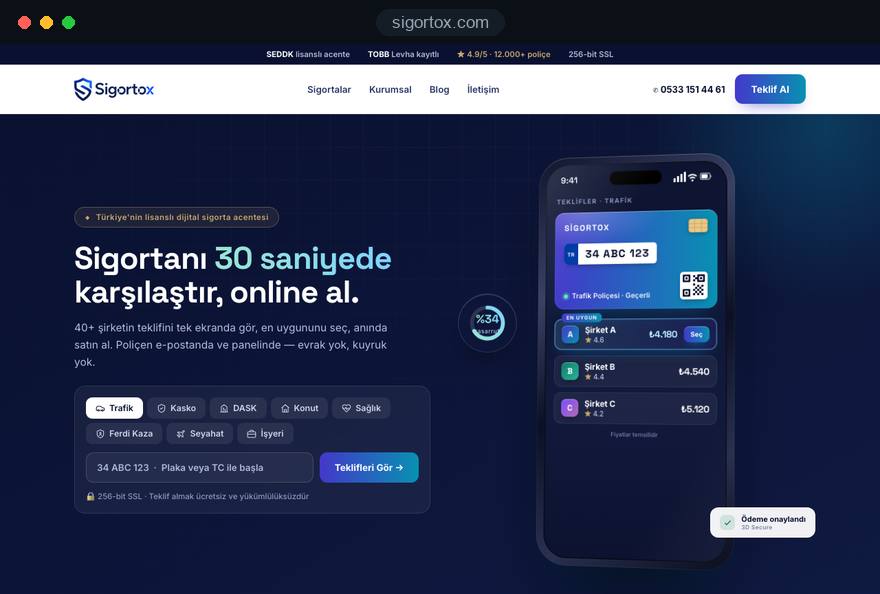
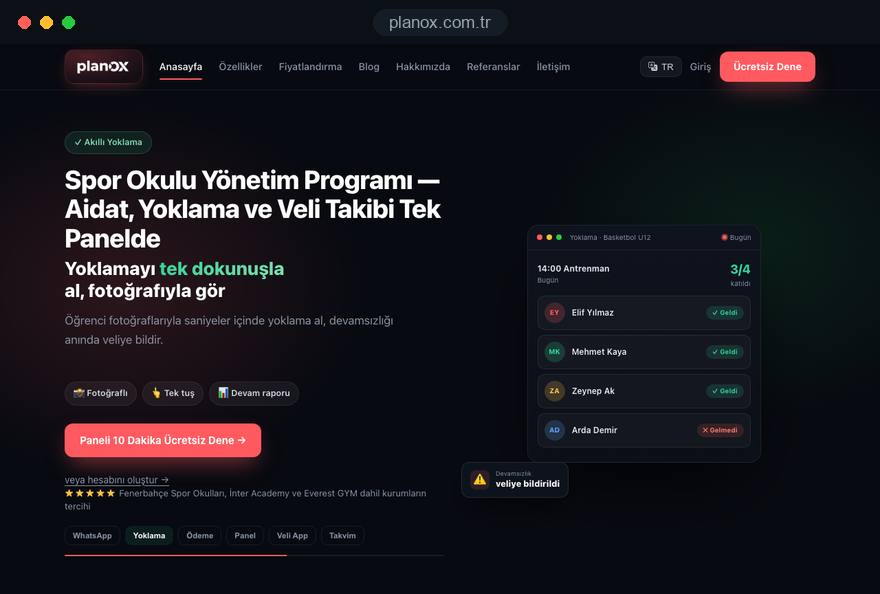
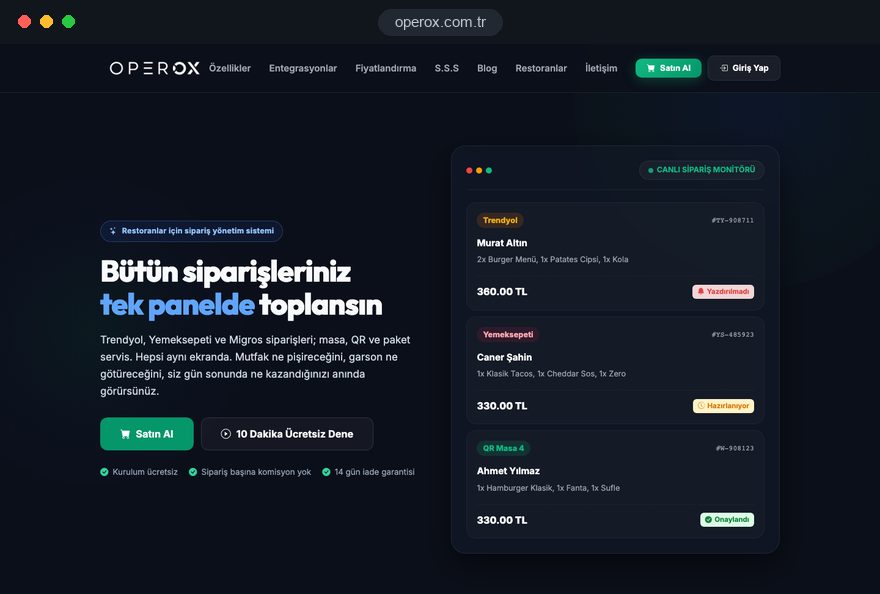
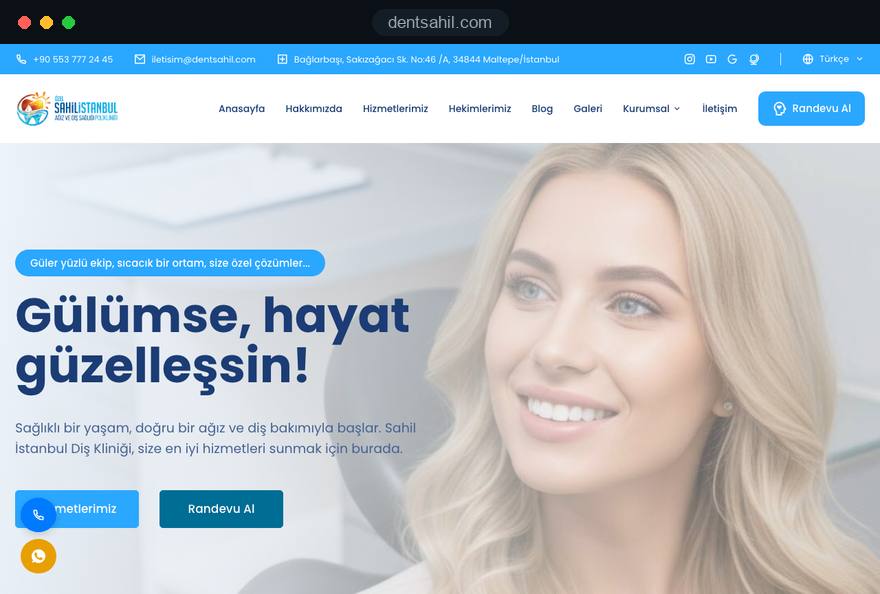
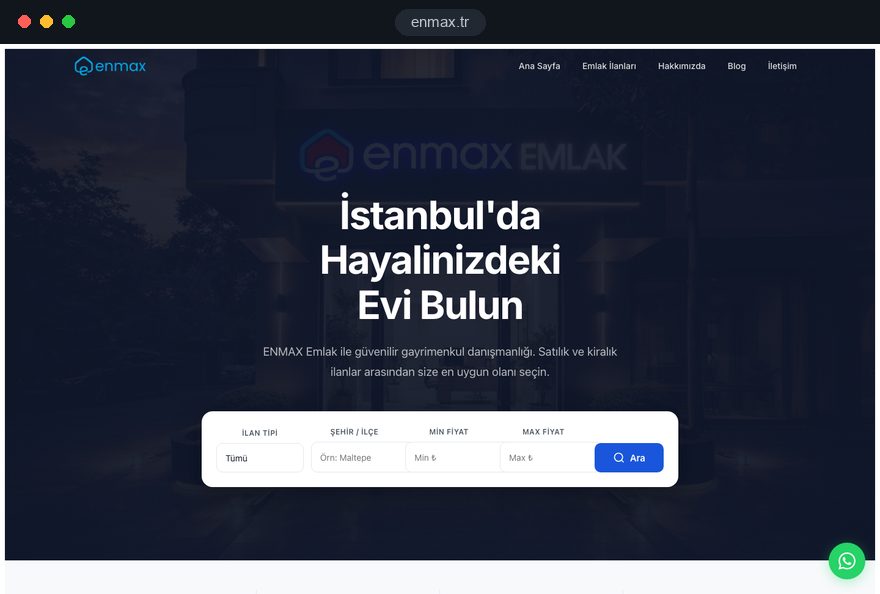
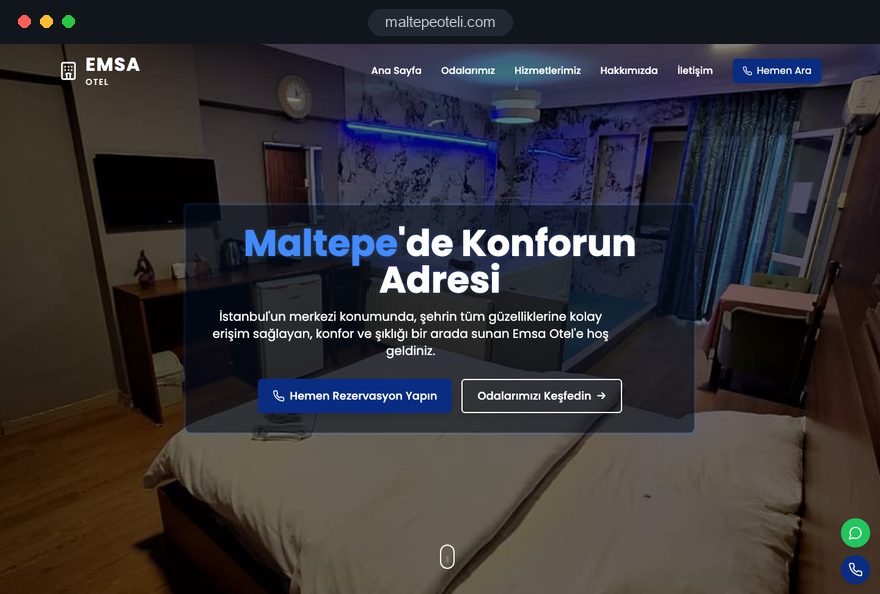
Then judge finished work, not mockups. Our live projects are in Türkiye, listed in our portfolio of recent websites; open three on your phone, submit a test form and judge them as you would a studio on King Street West.
04Owning the Domain, Hosting, Code and Accounts
Every asset your website depends on should be registered to your business, with your own login, from the first day. Agencies change, employees leave and personal email accounts get closed; a domain or analytics property tied to someone else's inbox can take weeks to recover.
- Domain: a .ca signals a Canadian business to local buyers, while a .com suits firms selling across North America. The .ca registry applies Canadian presence requirements, so confirm with your registrar that your company qualifies. Our WHOIS lookup shows what is publicly recorded for any domain you already hold.
- DNS: the system that points your domain at the web server and mail. Keep the login yourself, and keep a copy of every record before anyone changes it.
- Hosting: a contract in the company name with a provider that offers servers in Canada or nearby, plus your own access to the control panel.
- Code and content: a written statement that the finished theme, custom code, text and images you paid for belong to you, and a full backup handed over at launch.
- Accounts: Google Business Profile, Search Console, GA4 and any email platform created under a company address, with the agency added as a user, never as the sole owner.
Write these points into the contract. Good web design Toronto agencies will agree without hesitation, and changing partners later becomes a routine handover.
05The Project Process, Step by Step and Fully Online
A good project follows a fixed sequence in which each step ends with something you approve in writing. Here is how we run our web design service for a Toronto client:
- Discovery call: a video call in your morning about audiences, services, areas served and the enquiries you want; you receive written notes the same day.
- Scope and quote: a page list, the languages, forms and integrations, the revision rounds and a timeline, all in one document.
- Content plan: for each page, its purpose, its main search phrase and who supplies the text, photos and licence details.
- Design: the homepage and one inner page first, reviewed together by screen share, then the remaining templates.
- Build and preview: a protected preview address you can open on your own phone at any time, with progress visible in our CRM.
- Checks: speed, forms, accessibility basics, redirects and tracking, each tested before launch.
- Launch and training: go live on an agreed weekday morning, then a recorded walkthrough of how to edit pages yourself.
Nobody needs to travel. If you happen to be in Istanbul, you are welcome to meet us in person at our office in Ataşehir; it is optional and never part of the plan.
Before signing with anyone, ask to see an anonymized scope document from a past project; its detail predicts the rest.
06Local Search in Toronto: Profile, Neighbourhoods and Reviews
Map results drive a large share of local enquiries, and they depend on your Google Business Profile far more than on any single page. Google's guidelines require the business name to match the real world name without added keywords, so "Leslieville Family Dental" is fine only if that is the name on your sign.
- Category and services: choose the most precise primary category, then list services in the words customers use.
- Address or service area: a contractor who visits clients can hide the address and set service areas such as Etobicoke or East York instead.
- Consistency: name, address and phone match exactly across the site, the profile and directories such as Yellow Pages.
- Reviews: ask every satisfied client with a short direct link, and reply to each review, including the critical ones, calmly and specifically.
On the website, resist the temptation to publish a page for every neighbourhood in the city with the same text and a new place name. Google treats such doorway pages as spam. Write a separate page only for a real second location, such as a clinic in Scarborough.
If you want this handled as an ongoing program, our SEO service covers profile care, content and monthly reporting. Either way, track calls and direction requests from the profile, not only website visits, because many local customers never click through to the site.
07English First, and When French or Turkish Pays Off
English is the working language of Toronto business, so the English version must be complete and well written before any other language is added. The City's 2021 Census backgrounder counts 1,286,140 immigrants, 46.6 percent of residents; your customers arrive with many first languages, which is exactly why clear, plain English matters.
A second language makes sense when a defined group of customers prefers it and you can serve them in that language after the click:
- French: worth adding if you sell into Quebec, bid on federal contracts or serve francophone clients across Ontario.
- A community language: Turkish, Portuguese, Tagalog or another language when a measurable share of your clients uses it and your staff can answer in it.
- German: useful for firms that sell to buyers in Germany, Austria or Switzerland or represent a European parent company.
Each language needs its own URL, translated navigation and translated forms, plus hreflang annotations that tell Google which version serves which language. Every version must reference the others and itself; a missing return link is a common reason the wrong version shows in results. Our page on building a multilingual website explains the structure in detail.
Translate fewer pages well rather than every page poorly, starting with the homepage, the main services and the contact page.
08Speed, Hosting and Security for Ontario Visitors
Speed is the first impression on a phone, so measure it with Google's Core Web Vitals, which use the 75th percentile of real visits. The thresholds for "good" are LCP, the time until the largest visible element loads, of 2.5 seconds or less; INP, how quickly the page responds to a tap, of 200 milliseconds or less; and CLS, how much the layout jumps, of 0.1 or less.
Many Toronto searches happen on the move, on the subway, on a streetcar or between site visits, often on patchy connections. Practical rules that help:
- Images: served in modern formats, sized for the screen and lazy loaded below the first view.
- Fonts and scripts: a small number of font files hosted with the site, and no chat widget or tracking script that is not used.
- Hosting region: servers in Canada or the northeastern United States keep response times short for Ontario visitors.
- Security: HTTPS everywhere, automatic updates, daily backups stored separately and two step login for every admin account.
If you host outside Canada or use processors abroad, PIPEDA still allows it, but the Privacy Commissioner expects you to stay accountable and to tell people their information may be processed in another country. Put that sentence in the privacy policy rather than hoping nobody asks.
09Toronto Sectors and What Each Site Must Show
Each of Toronto's leading sectors asks for a different site structure, so start from the sector rather than a generic template. Here is what typically matters most:
- Suppliers to financial institutions: accounting, IT, consulting and compliance firms near Bay Street need service pages written for procurement readers, named leads with credentials, security and insurance details and a short meeting request form.
- Film and television suppliers: the City reports annual direct spend of up to 2.6 billion dollars in this industry. Rental houses, studios, caterers and set builders need a filterable inventory or capacity page, coverage area, certificates of insurance on request and a phone first quote form.
- Clinics: dental, physiotherapy and wellness practices need treatment pages that also say who is not a suitable candidate, per location details and an accessible booking path. Regulated professionals should check their college's advertising standards before publishing testimonials or comparisons. Our dental clinic website page goes deeper on structure.
- Founders and research spinoffs: the University of Toronto enrolled 102,431 students in its latest enrolment report, and its campuses feed a steady stream of startups that need a product story, demo request and an investor page.
- Trades and renovation: contractors working in condos and older semis need project galleries by job type, the areas served and clear licence and insurance information.
Whichever applies, a web design Toronto brief should name the single action a visitor in that sector must take.
10Canadian Legal Basics for Your Website
A Toronto website touches federal privacy and anti spam law and, depending on your size, Ontario's accessibility rules. The points below are general orientation, not legal advice; have the final texts reviewed by a lawyer licensed in Ontario.
- Privacy: PIPEDA applies to private sector organizations that collect personal information in the course of commercial activity. Your privacy policy should explain what forms collect, why, who processes it and how people can reach you about it.
- Commercial email: CASL requires consent before you send commercial electronic messages, clear identification of the sender with contact details and a working unsubscribe mechanism. Keep a record of when and how each subscriber agreed.
- Accessibility: since January 1, 2021, Ontario requires public sector organizations and businesses or non profits with 50 or more employees to make public websites meet WCAG 2.0 Level AA, with exceptions for live captions and pre recorded audio descriptions. Check whether it applies to you.
- Quebec and other provinces: Quebec, British Columbia and Alberta have their own private sector privacy laws, which matter if you collect information from customers there.
- Online sales: if you sell to consumers, Ontario's consumer protection rules govern disclosures and cancellations for internet agreements, so have your terms and checkout reviewed before launch.
Even if AODA does not formally apply, building to the same level costs little when planned from the start. Our colour contrast checker shows quickly whether your current text and buttons are readable.
11Relaunching Without Losing Your Rankings
A redesign keeps its search visibility only when every old address that earns traffic or links points to the right new page on launch day. Most ranking losses after a relaunch come from missing redirects, not from the new design itself.
- Export the old URLs: collect every address from the sitemap, Search Console and analytics, including PDFs and image pages that receive visits.
- Map each one: assign each old URL its closest new equivalent; our redirect mapping tool helps match large lists.
- Use permanent redirects: set 301 redirects server side, one hop each, never a chain of several.
- Keep what works: retain page titles, headings and content that already rank, and improve them rather than replacing them blindly.
- Check indexing rules: make sure the staging site was noindexed and that the live site is not; remember that a page blocked in robots.txt cannot have its noindex read.
- Monitor after launch: submit the new sitemap in Search Console and review coverage and 404 errors weekly for at least a month.
Plan the launch for a quiet weekday, not just before tax season or a major production start.
12Common Mistakes on Toronto Business Websites
The most expensive mistakes are not visual; they are structural decisions that quietly cost enquiries every week. These are the ones to check on your current site:
- One page for the whole GTA: listing twenty cities in a footer helps nobody; describe the areas you truly serve on a single, well organized service area page instead.
- Stock photos of the skyline: the same tower photo appears on hundreds of sites; show your premises, your team and your finished work.
- Newsletter boxes without proper consent: a pre ticked checkbox or vague wording undermines CASL consent; use an unticked box, plain wording and stored records.
- Contact pages without directions: an address alone is not enough downtown; add the nearest intersection, transit stop, parking or loading notes and accessible entrance details.
- Machine translated second languages: unchecked translations read badly; publish fewer pages, translated and reviewed by a fluent speaker.
- Forms that go nowhere: enquiries landing in an unread inbox are lost; route them to a monitored address or CRM and test the form monthly.
Most of these show up in a half hour review of web design Toronto competitors in your own field; note what they do well and avoid what they repeat.
13What Shapes the Budget, Without the Guesswork
The cost of a website follows its scope, not the city you are in, so the useful question is which choices make a project larger or smaller. Prices for a web design Toronto project are therefore no different from those anywhere else we work.
- Number of unique templates: a service page, a team page and a case study page are three designs; repeating a template is cheaper than designing a new one.
- Languages: each extra language adds translation, review, hreflang setup and ongoing upkeep.
- Integrations: booking systems, CRMs, practice management software and payment providers each need configuration and testing.
- Content: writing copy from scratch, professional photos and video take more time than editing supplied material.
- Online store: products, variants, shipping rules and taxes turn a website into an e-commerce project with its own scope.
To keep a project lean, launch with the pages that bring enquiries and add the rest in a second phase; a written scope prices every addition before work starts.
14Your First 90 Days and the Next Step
The first three months after launch decide whether a new site becomes a working sales channel. Use them in three steps:
- Days 1 to 30: confirm that every form, call button and email arrives; check Search Console for crawl errors; ask your first ten satisfied clients for reviews.
- Days 31 to 60: review which pages bring enquiries and which searches show your site; improve titles and opening paragraphs on pages with views but few clicks.
- Days 61 to 90: add one strong page a month, for example a detailed service page or a project write up, and update your Business Profile photos.
If you are comparing options for web design Toronto, start by writing your audience ranking and your top five searches; those two notes make any conversation with an agency faster. Our packages and how to buy them online are on the web design pricing page. For multilingual sites, online stores or integrations we send a written quote after a short call.
When you are ready, book a free video call with our team at a time that suits your Toronto morning. We will listen first, then send a written scope you can compare line by line with any other offer.