Age groups and times are unclear
Parents first look for the group their child fits into and the day and time of training. When that lives in a flyer image or a social post, they have to call to ask, and many simply look at another academy instead.

Your Windows contrast theme is on; colours come from your system.
Your device is set to reduce motion; animations are already off.
Your choices are saved in this browser only.
Industry-specific web design
Parents, not children, usually choose the football academy, and they do it on a phone, searching by area and comparing a few options. We build football academy websites around age groups, training times, venues and a one-step trial session sign up, with forms and photo galleries planned around parental consent.
In short
A football academy website lets a parent find the right age group, the training day and time, the nearest venue and the coaches in a few taps, then book a trial session. Forms and photos of children are planned around data protection rules such as Article 8 of the GDPR. After enrolment, fees and parent updates can run through a separate management system.
Talha Aslan and teamLast updated:
Why it needs its own approach
A football academy website has to win over parents, capture sign ups and handle children's data with care, all at once. A generic sports club template rarely thinks about all three.
Parents first look for the group their child fits into and the day and time of training. When that lives in a flyer image or a social post, they have to call to ask, and many simply look at another academy instead.
The request lands in a general contact form, nobody replies the same day, and it is unclear which venue or age group it was for. At the start of a season, this is where most enquiries are lost.
Announcements sit in WhatsApp groups, registrations in a notebook, cancellations go out by phone one by one. When the answer is not on the website, the same question comes back every week.
Training and match photos tell the academy's story best, but the people in them are children. A gallery published without informing parents and asking for their consent puts both trust and data protection at risk.
Parents search with the name of their area or type football academy near me. When every venue sits on one page without an address or map, the academy misses that search even if its pitch is a few streets away.
Sign up forms on paper, fees in a spreadsheet, parent details in someone's phone. If the data captured by the website does not flow into a system, the admin load grows every season.
Our approach
We build a football academy website in the order parents make decisions. First they see the group that fits their child's age and the training time, then they get to know the venue and the coaches, and finally they sign up for a trial session. The form asks for age, venue and contact details, and the request reaches the right person so they can reply the same day.
For season registrations or holiday camps, a single-goal landing page matched to the ad can go live without disturbing the main site; if parents should pick their own trial slot, an online booking system is connected to the site. After enrolment, fees, attendance and parent updates can run through a sports school management system such as Planox.
Design, development and content sit in one team, so none of this is patched on later. Talha Aslan sets the strategy and an experienced team handles delivery. We work remotely and in English with academies abroad.
Home
Each venue page answers its own local search, and all of them lead into the same trial session sign up.
The right setup
All three start from the same foundation; the number of venues and who the site speaks to make the difference.
One area
Parents search by area name, so the site explains one venue's schedule and coaches clearly.
Several venues
One brand, several pitches; parents start by choosing the venue closest to them.
Club
The site speaks to supporters, players and parents together, with fixtures and team news.
Built for football academies
These are the points sports schools decide on most often when we plan a site together.
For each age group: what the sessions cover, weekly days and times, group size and the season calendar. The information parents ask for most sits where it takes the fewest taps to find.
A short form with the child's year of birth, preferred venue and a parent's phone number, next to click to call and WhatsApp buttons on every page. Sign ups are tracked by source, so you can see which channel fills the season.
For each venue: address, map, parking and transport, pitch surface, changing rooms and where parents can wait. Venue pages carry the same details as the Google Business Profile.
Each coach's licence and experience, a real photo and the age groups they work with. Licences and titles are listed only as far as they are documented.
Under Article 8 of the GDPR, where an online service offered directly to a child relies on consent, a child under 16 needs a parent's consent; EU countries may lower the age to no less than 13, and the UK GDPR uses 13. Academy sign ups are normally completed by parents, so we address forms to them, keep health documents out of open forms and add a separate photo and video consent. The final legal assessment belongs to your academy.
The website captures trial and registration requests; after enrolment, fees, attendance and parent updates run through a sports school management system such as Planox. Data is not typed in twice, and parents do not have to give the same details again.
Comparison
| Topic | Generic sports club template | Site built for a football academy |
|---|---|---|
| Age groups | One line saying suitable for all ages | A schedule, day and time for every group |
| Sign up | A general contact form at the bottom | A trial session form that asks for age and venue |
| Venues | All addresses on one line | A page with a map for every venue, built for local search |
| Children's images | A gallery uploaded without asking | Photos and video chosen with parental consent |
| Parent communication | Just a phone number | WhatsApp, an FAQ and an announcements area |
| Measurement | Visitor numbers | Which venue and channel bring trial sessions |
Quick check
Must haves: does your site have them?
0 of 6 in place Tick the boxes to see where your site stands.
Added as needed
We choose which of these you need together during the scoping call.
Share how many venues you run, your age groups and how registration works today; we will come back with a page structure and a written quote.
Process
We define your business, your audience and the site’s one-sentence job: who it sells what to, through which action. Scope and timeline are written from that answer.
The home page and key templates come to you as designs first; no code is written before your approval. We do not like surprises, and we do not cause them.
The approved design becomes fast, secure, maintainable code. You follow progress in the CRM and see every page in a staging environment before launch.
The site goes live with analytics, Search Console and conversion tracking connected; panel training is given, first-year hosting and maintenance included.
Search and speed foundations
Parents type football academy plus their area, search for under 8s football near me, or look for holiday camps. Venue pages, the contact page and each venue's Google Business Profile are built to support each other.
Academy name, venue addresses, phone and opening hours are marked up so search engines can read them; nothing is marked up that is not on the page.
Parents mostly open the site on a phone, often from the side of a pitch. Pages are designed for phone screens first, photos are compressed and Core Web Vitals are measured before launch.
Calls, form submissions and WhatsApp clicks are tracked as conversions from day one, so during season campaigns you can see which channel and which venue bring trial sessions.
Free tools
Before planning a new site, test how the current one opens on a phone, how it looks in search and how a link appears when it is shared in a parents' group. The tools are free and need no sign up.
Tech SEO
Test whether a page works well on phones: viewport, font size, tap targets, a mobile screenshot and Core Web Vitals.
Tech SEO
Scan any URL for title, meta description, headings, canonical, indexability and speed signals, and get an SEO score with a clear to-do list.
Sharing
Preview how your link looks on WhatsApp, Facebook, X, LinkedIn and Telegram, and find missing Open Graph tags and image problems.
Conversion
Create a wa.me link with a preset message + embeddable button code.
Conversion
Turn URLs, WhatsApp, Wi-Fi, vCard and text into a QR code in seconds; download high-res PNG or SVG.
Analytics
Build correctly tagged links with Google Ads, social and newsletter presets.
Real projects
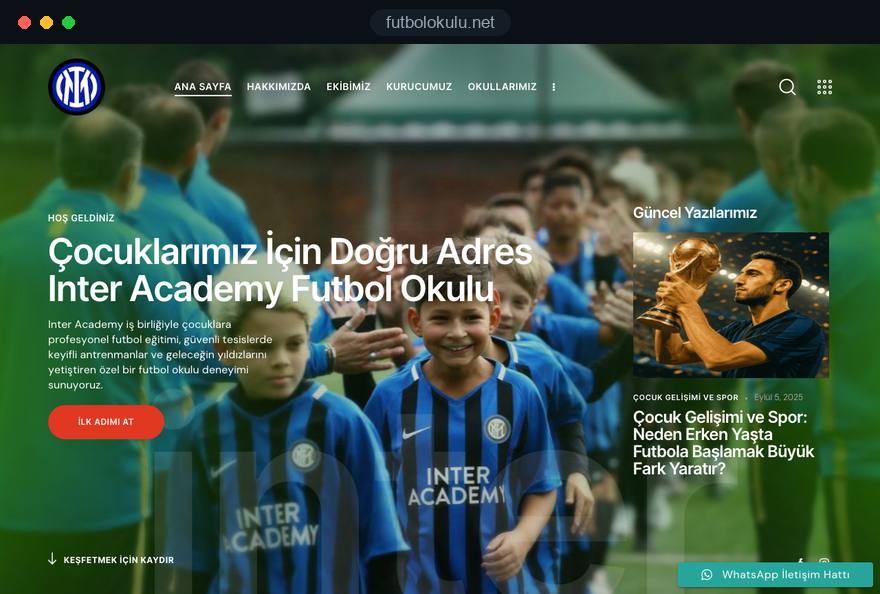
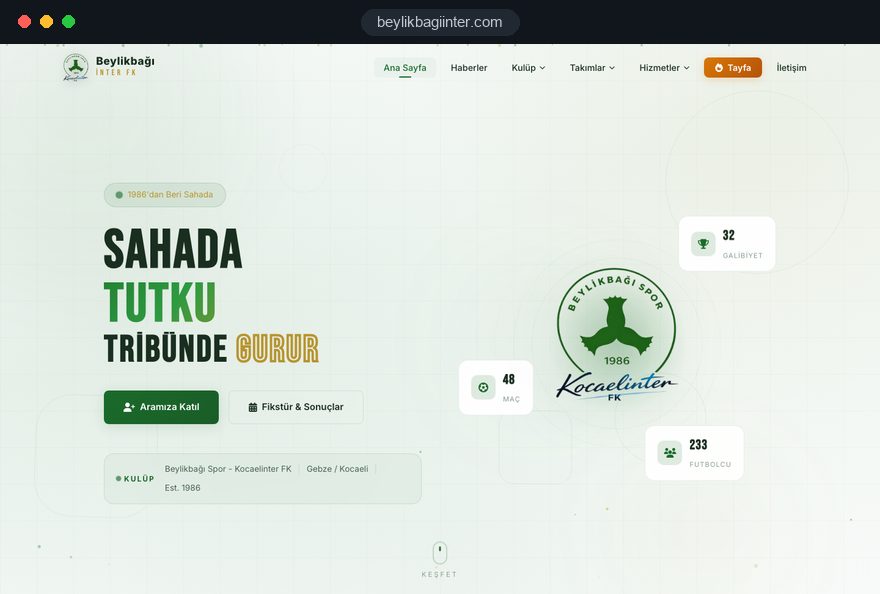
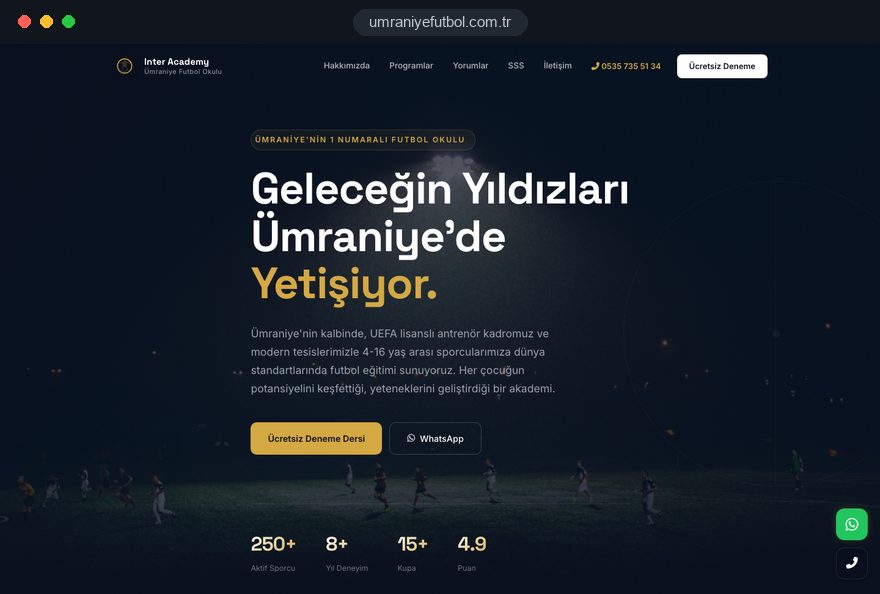
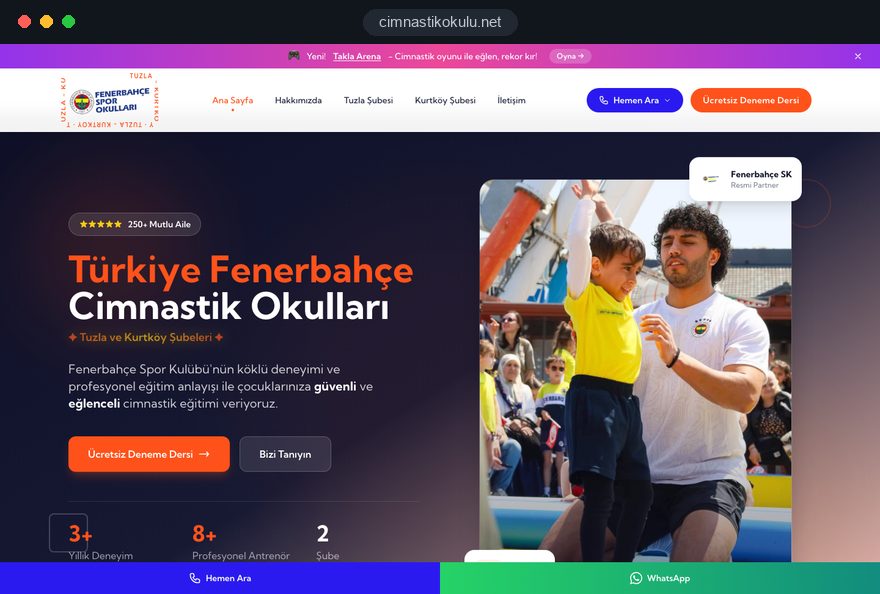
Our team designed and built these projects for sports schools and clubs in Turkey, and all of them are live. You can see the project details on the references page.
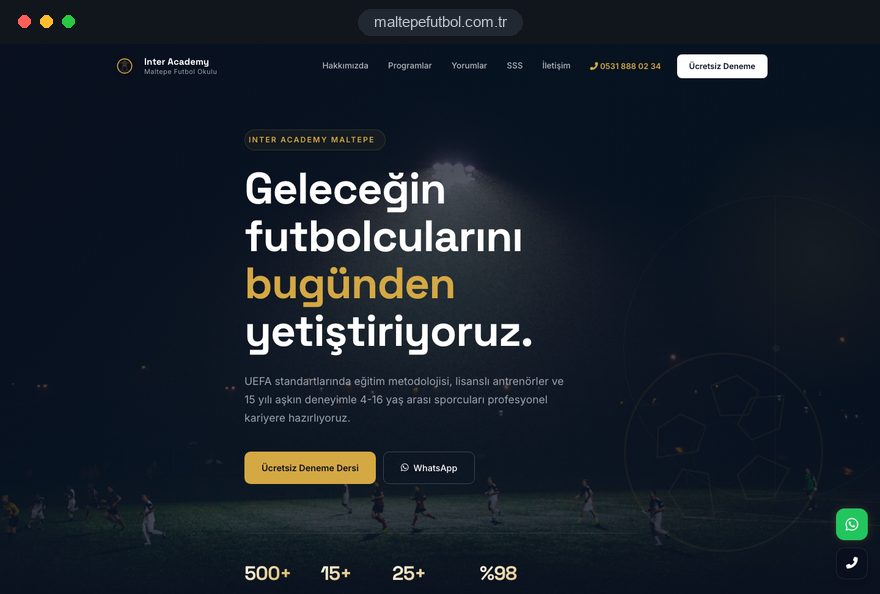
Football academy · web design
Football school · local site, web design
Football school · local site, web design
Football club · web design
Gymnastics school · multi-venue site, web design
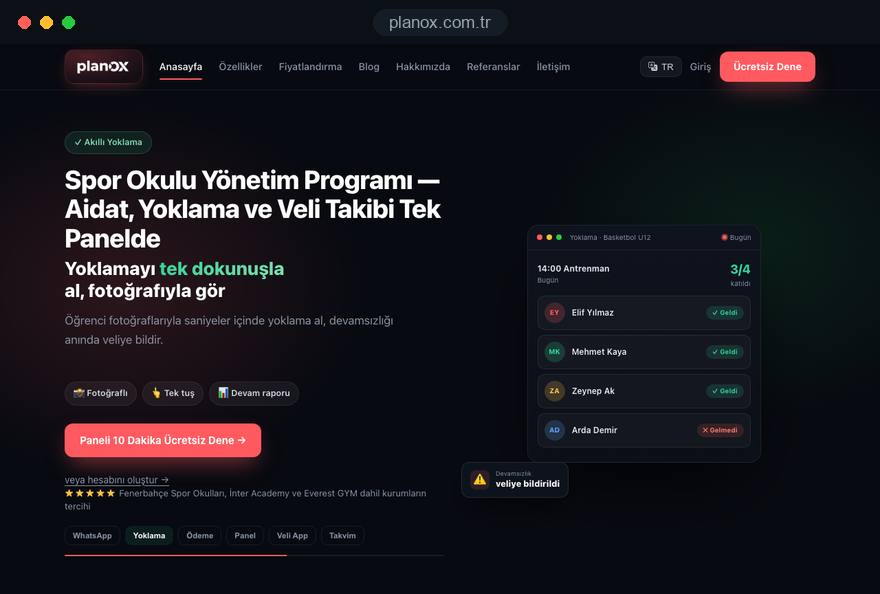
Sports school management · registration, fees and parent updates
Related pages
Solutions
A single-goal page matched to a season registration or holiday camp campaign.
Solutions
Let parents pick the day and time of a trial session themselves.
Locations
For academies in Istanbul: a site structure built around district searches.
 How to Build a GDPR and KVKK Compliant Website: A Business GuideRead article
 Lead Form Design for Booking, Quote and Demo Requests: UX Rules That Lift ConversionsRead article
 How to Do Google Maps SEO: A Guide to Ranking Your Business Higher on the MapRead article
 What Is Mobile First Design? How Mobile First Affects Your SEO RankingsRead article
FAQ
If your question is not here, write to us; we will send you an answer and a written quote.
Next step
In a free 15-minute call, in English, we will go through your venues, age groups and registration process, then send a written scope and quote.
In-depth guide
A football academy website is usually read on a phone by a parent working out whether your Tuesday session suits a seven year old and whether the venue is reachable after school. If that takes more than a few taps, the parent moves on to the next academy.
This guide covers the decisions behind a site that turns those searches into trial sessions and enrollments. It reflects how we, Talha Aslan and team, plan sports school projects within our web design service. Where rules differ by country, we use the EU and the UK as examples.
Parents decide in a fixed order: does a group fit my child, does the time fit our week, is the venue close enough, and can I trust the people in charge. A football academy website that answers all four near the top of each relevant page saves most of the calls that fill the start of a season.
Each question filters out options: a parent who finds no group for a five year old never reaches the coaches page, and one who finds no training time messages three academies and books with whichever replies first.
List what a parent needs to know to say yes to a trial, then check where each item lives today:
Anything that sits only in a social post or flyer image belongs on the page as text. Text can be searched, enlarged and corrected in a minute.
Each age group deserves its own page, because parents search for their child's age and the questions differ sharply between a four year old and a fourteen year old.
Group by year of birth and state the cutoff clearly; parents rarely know which rule your league follows. Writing "children born in 2018 and 2019" removes the guesswork that a label such as "Under 8s" leaves behind.
For each group page, cover:
Parents of four and five year olds want to know whether they can stay and watch and how a shy child is eased in. Older groups need pathway information, such as matches, tournaments and how players move up. Goalkeeper training, girls' groups and sessions for children with additional needs each deserve a page if you offer them, because parents search for them by name.
The trial form is the most important element of the site, and it should ask only for what you need to call the parent back and place the child in the right group. Every extra field costs sign ups on a phone.
A flow that works well for most academies runs like this:
Keep the child's full name, medical information and emergency contacts out of this first form. Collecting them early means storing sensitive details about children who may never join.
Place the form, or a button leading straight to it, on every age group and venue page, and keep click to call and WhatsApp buttons visible in a sticky bar on mobile. A call is a different route to the same trial, not a lost submission. Test the flow on an ordinary Android phone over mobile data. Our free mobile friendly test shows how your current form renders.
Every venue needs its own page with an address, a map, the groups that train there and their times, because parents choose by distance first.
A useful venue page answers the practical questions a parent has before the first visit:
That last point is where many sites break: a timetable typed into three places will be wrong somewhere by October. Store each session once, with its group, venue, day and time, and let every page read from that record, so moving a Thursday session to Wednesday is one change.
Photos of the actual pitch and entrance help more than stock stadium images; a parent arriving on a dark winter evening wants to recognize the gate.
Parents hand their children to your coaches, so the coaches page has to show real people with documented qualifications and explain how children are kept safe.
For each coach, publish a recent photo, the groups they work with, their coaching licenses with the body that issued them, any first aid training and a few lines on how they coach. List only qualifications you can document.
Safeguarding deserves its own page rather than a sentence in the footer. Football associations set their own youth requirements, such as background checks and a named welfare officer, so confirm what applies in your country and describe how you meet it. A clear safeguarding page covers:
Write it in plain language; a page that reads like a copied template suggests the policy lives only on paper. Link it from the footer, the coaches page and the registration form.
Photos of identifiable children are personal data, so plan the gallery around recorded parental consent before anyone uploads a single training photo. A gallery is one of the strongest trust signals on a football academy website, and one of the quickest ways to lose it.
Make photo and video consent a separate question at registration, not a sentence buried in the terms. Offer real choices, for example the website, social media and printed material, so a parent can agree to one and decline another. Record the answer against the child's registration so whoever posts can check it.
A few practical choices reduce risk without emptying the gallery:
Video needs the same care, since a match clip can carry a child's name shouted across the pitch, and galleries should strip hidden location data from files. The final legal assessment belongs to your academy and its adviser.
Treat every form on the site as a point where you collect data about children, and design it so the parent, not the child, provides the information and the consent.
In the EU, Article 8 of the GDPR says that where an online service offered directly to a child relies on consent, a child under 16 needs a parent's consent; member states may lower that age, but not below 13, and the UK GDPR sets it at 13. Forms addressed to parents avoid most of this question.
Still, avoid features that invite children to sign up on their own, such as a player login with its own consent box. In Turkey, KVKK (Law No. 6698) requires an information notice when data is collected, and many countries have comparable rules, so check yours.
Practical steps for forms and the privacy notice:
In the EU, analytics and advertising cookies need consent before they load, so the cookie banner must actually block them until a parent agrees. Google also requires consent mode for measurement and personalized advertising for users in the European Economic Area.
The website's job ends where a family decides to join; from registration onward, details, fees and attendance belong in a management system rather than in form e-mails and spreadsheets.
A typical journey from trial to registered player:
If you show fees on the site, keep them in one place that is easy to update, never inside images or old PDFs that outlive the season. Explain what membership includes and what happens when a child misses sessions through injury.
A sports school management system such as Planox handles registration, fees, attendance and parent updates, so details are not typed twice. Decide in writing which system holds which data and who on your staff can see it.
WhatsApp groups are fast for urgent messages, but information parents need week after week belongs on the website; use the group for alerts and the site for anything that stays true for more than a day.
Put these on the site and point to them from the group:
Large chat groups also expose every parent's phone number to every other member. An announcement channel where only the academy posts keeps numbers private.
A WhatsApp button on the site is useful for prospective parents, but route it to a business number with set reply hours, not a coach's personal phone. State those hours next to the button. Our free WhatsApp link generator creates a link with a prefilled message such as "I would like a trial for my child born in 2017".
Holiday camps and season registration are short, intense campaigns, and each deserves a dedicated page rather than a home page banner.
Build each campaign page around the details that differ from regular training:
When you advertise a camp, send traffic to a single goal landing page built for the campaign rather than the home page. Google Ads Quality Score is a diagnostic built from expected click through rate, ad relevance and landing page experience; a camp ad leading to a camp page with dates and a form matches what the parent searched. Our Google Ads management plans these short campaigns around the period when families book.
After the camp, keep the page live and update it for next year instead of deleting it, since it builds search history over time. Ask camp families for consent to invite them to a regular trial.
Parents search with a neighborhood name or "near me", so local visibility depends on venue pages and Google Business Profiles that match each other exactly.
Set up each venue in this order:
If you rent a pitch at a school or leisure center that already has its own profile, read Google's guidelines on shared locations before creating a second profile at the same address.
Structured data, code that tells search engines your name, address and opening hours in a format they read reliably, should describe only what is visible on the page. Our SEO service treats venue pages, profiles and local content as one piece of work.
Measure how many trial requests arrive, how many children attend and how many enroll, by venue and by channel; visitor numbers alone say nothing about whether the site fills groups. Set this up before launch.
Track these as conversions from the first day:
The website sees the request; only your team sees whether the child turned up and joined. Keep a simple record for each request with source, venue, trial date, attended and enrolled. Reviewed monthly, it shows which venue and channel bring families who stay.
Tag links on flyers, poster QR codes and parent group posts so each shows as its own source; our UTM builder creates them in a minute. Watch speed too. Google rates a page good when largest contentful paint, the time until the main content appears, is 2.5 seconds or less, interaction to next paint is 200 milliseconds or less and cumulative layout shift is 0.1 or less, measured at the 75th percentile of visits.
Most problems we find on football academy websites come from treating the site as a brochure instead of the first step of registration. These six recur, each with a better alternative:
Each is cheap to avoid at the planning stage and expensive to fix mid season; use the list to review your current site.
Choose a partner who asks about your venues, age groups, registration process and consent records before talking about colors and layouts. Those answers decide the page structure.
Questions worth asking any agency you consider:
Prepare a short brief before the first call: the number of venues, the age groups at each, how registration and payments work today, whether you run camps and who will update the site after launch.
You can see sports school and club projects our team has built on our references page. Fixed scope packages are described on our web design pricing page, and for a football academy website with several venues or a connected management system, send us your venues and age groups and we will reply with a page structure and a written quote.
Start a Project
Thanks {name}, we've received your brief. We usually reply within the same day.
What happens next?