Builders, electricians, importers, clinics, accountants, tour operators and young tech firms across Tāmaki Makaurau all face the same moment sooner or later: the old site no longer reflects the business. A web design Auckland project rarely goes wrong because of colours or fonts; it goes wrong on vague service areas, accounts nobody inside the firm controls, slow mobile pages and privacy wording borrowed from another country.
Talha Aslan and team have arranged the decisions below roughly in the sequence a real project meets them. Every section gives you something usable straight away, whether a quick test, a question worth asking a studio or a point to fix in the written agreement.
01What Auckland's Economy Asks of a Website
In Auckland, a website has to serve a region, not a single town centre. Stats NZ estimated 1,816,000 residents on 30 June 2025, more than four times Christchurch at 419,200 and more than eight times Wellington at 210,800, and the region produced about 38 percent of national GDP in the year to March 2024.
That scale creates four distinct jobs, and most sites need to do two or three of them well:
- Win local households: a homeowner in Howick or Glen Eden wants proof you work in their area, a clear call button and recent photos of finished jobs.
- Win trade buyers: with the country's largest import port on the doorstep, wholesalers and distributors need product ranges, delivery zones and an account application.
- Win visitors: 10.3 million international passenger movements passed through the airport in the year to June 2025, so tourism pages must work for people who have never heard of your suburb.
- Win talent and partners: employers, landlords and banks check your site before replying, and they look for a real business identity.
Write down which job ranks first. That single decision shapes the homepage, the navigation and the enquiry you count as a win.
02Who Searches for What Across the Region
Aucklanders tend to search with a suburb or a landmark rather than with the city name, because the region is large and traffic makes distance matter. Someone in Albany will not drive to Pukekohe for a plumber, and their searches show it.
- Suburb plus trade: "roofer North Shore", "physio Onehunga", "mechanic Mount Wellington". Map results dominate these searches.
- Near me on a phone: "dentist near me" or "takeaway near me" typed in a car park; distance, opening hours and reviews decide the click.
- Business buyers: "packaging supplier Auckland" or "freight forwarder East Tāmaki", usually on a desktop during work hours, followed by a careful look at the about and contact pages.
- Visitors: "Waiheke ferry tour", "airport shuttle Auckland" or "Rangitoto walk guided", often in the days before arrival and again on landing.
- Brand checks: your business name plus reviews, hours or contact, from people who heard of you by word of mouth.
Searching for a studio works the same way: web design Auckland as a query mostly returns agencies close by, which is reasonable, yet distance tells you little about process. Give ten minutes to typing your five most valuable searches on a phone. Note who appears, which page type ranks and which suburbs those competitors mention; the gaps reveal the pages your new site is missing.
03Working With a Studio on the Other Side of the World
A remote web partner works when every decision is written down and the work in progress is always visible. Our team is in Istanbul, and Auckland is 10 hours ahead while New Zealand daylight time runs, from late September to early April, and 9 hours ahead for the rest of the year.
That gap is narrower in practice than it sounds: your early afternoon is our morning, so one call a week plus written updates keeps a project moving, and feedback you send in the evening is usually handled before you wake. Whoever you consider, here or abroad, ask for written answers to these questions:
- Which day and time will our regular call be held, and who sends the written summary afterwards?
- Does the agreement name every page, form, integration and feedback round, and spell out what sits outside it?
- Can we open a password protected preview of the site whenever we like?
- Who writes the copy, and who checks New Zealand spelling and place names?
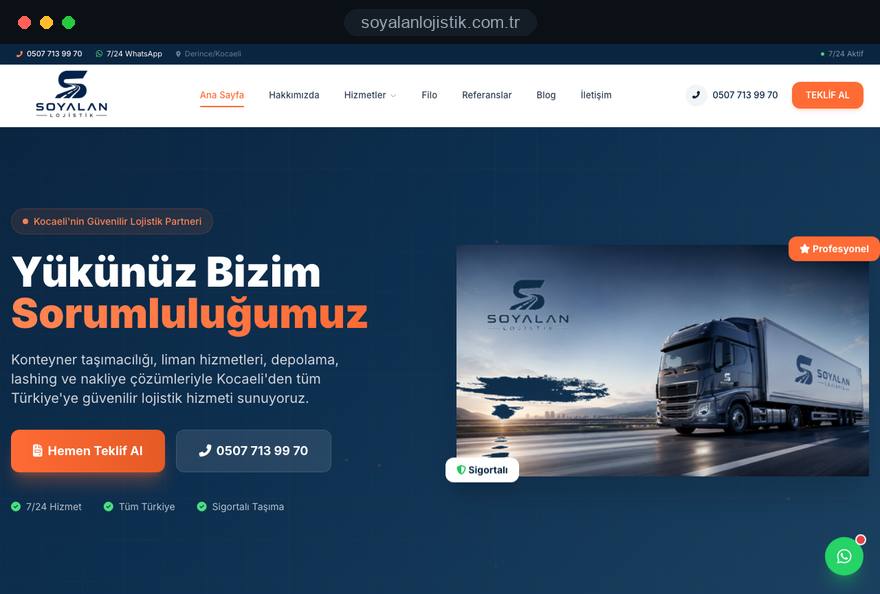
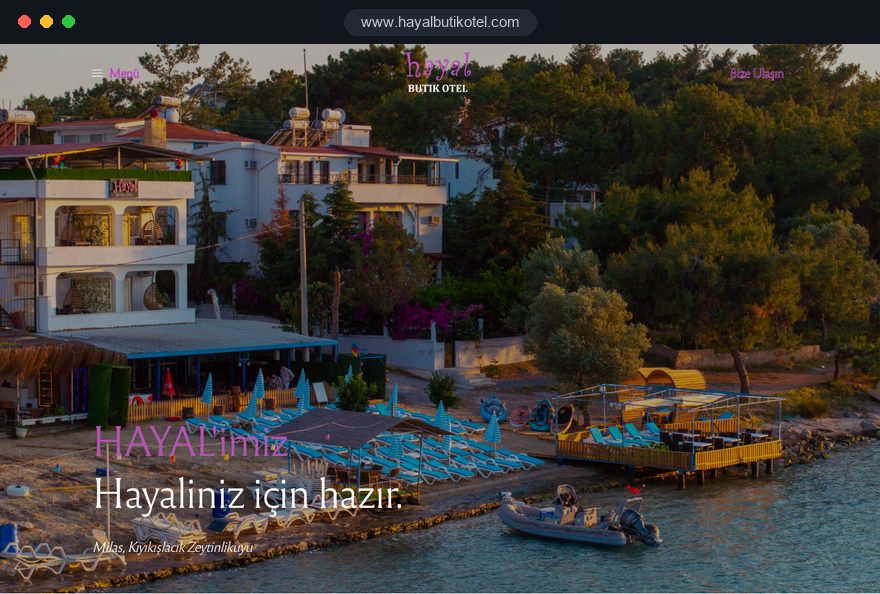
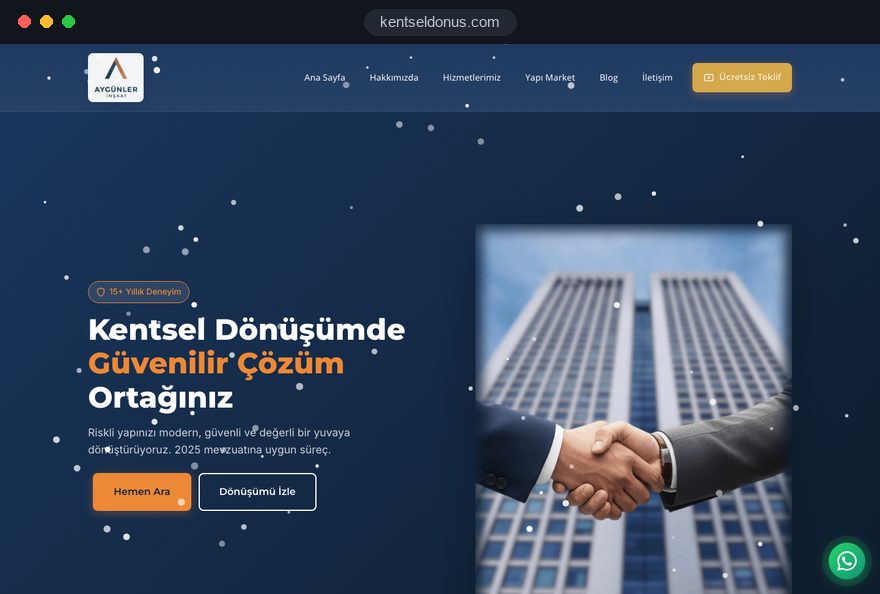
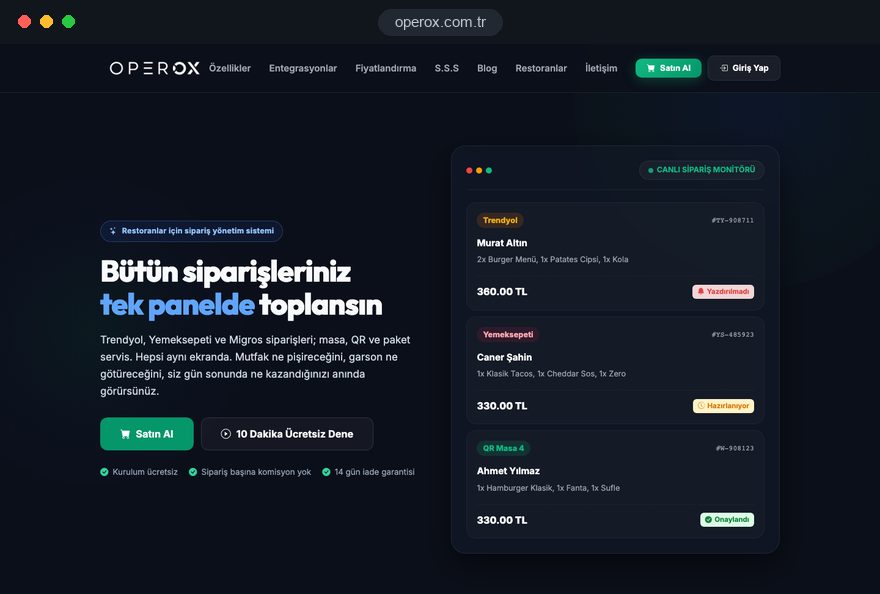
Then judge live work, not mockups. We have no New Zealand project yet; our launched sites are in Türkiye and listed on our references page, so open a few on your phone and test a form exactly as you would with a studio in Grey Lynn.
04Owning Your Domain, Hosting and Accounts
Whoever paid for the site should hold the keys to it, which means the business, never the designer and never an employee with a personal Gmail. Small Auckland firms usually learn this the hard way, when a former contractor goes quiet and the renewal notice for the domain lands in an inbox nobody reads.
- Domain: a .co.nz or .nz name, or a .com when most trade is overseas, held by the company itself, with a shared role mailbox as contact and renewal set to happen automatically.
- Hosting and DNS: the hosting account belongs to you and you log in yourself, DNS included; DNS is the record set telling the internet where your website and email live.
- Code and media: a clause confirming you may keep, edit and move the code freely, plus fonts, plugins and photos licensed to the business.
- Google tools: Search Console, GA4 and the Business Profile sit under a company Google login; outside helpers get user access you can revoke in a click.
- Backup person: a second staff member holds owner rights on each account, so holidays and resignations never lock you out.
Record all of this in a short access sheet: the account, its holder and the renewal date. A trustworthy studio completes that sheet with you at handover without being asked twice.
05The Project Step by Step, Run Online
Every web design Auckland project we take on moves through six stages, and none of them closes until you have approved it in writing; those approvals are logged in our CRM. Calls go into your afternoon and run in English.
- Discovery: who you sell to, which suburbs you cover, who you compete with and what text and photos already exist; from this we draft a written brief naming each page and who supplies its content.
- Sitemap and wording: the page tree and main texts are settled before visuals, since a dozen service areas or a trade account form change how pages are laid out.
- Visual design: we present the homepage plus one service page by video and on a preview link, and only after your yes do we design the rest.
- Development: the build happens on a hidden test copy, with privacy statement, enquiry forms, click to call and analytics wired in.
- Quality checks: forms, speed and layout on popular phones, and a line by line check of every suburb and Māori place name.
- Go live: the domain moves over on a weekday, each contact route is tried for real, and your editors receive a recorded walkthrough.
You never need to board a plane for any of it. Should a trip take you to Istanbul, our office in Ataşehir is open to you for a face to face session.
06Local Search in Auckland Without Thin Suburb Pages
The map pack is fed mainly by your Google Business Profile; your website backs it up with detail and proof. Business name, street address, phone and opening hours should read identically in both places, letter for letter.
- Profile name: exactly what appears on your van, shopfront and invoices. Padding it with search terms like "Emergency Plumber Auckland" breaks Google's rules for profiles.
- Storefront or service area: a clinic in Newmarket shows its address; a mobile trade can hide its home address and list areas such as West Auckland or the Hibiscus Coast.
- Directories: Yellow and Finda listings, plus any trade association directory you belong to, should carry the same details as the site.
- Review requests: text the review link to a satisfied customer within a day or two of finishing, offer no reward for it, and answer each review, critical ones included, in a calm tone.
Give an area its own page only when that area genuinely differs, for example a second branch in Botany or a depot in Silverdale. Copies that change nothing but the suburb name count as doorway pages in Google's spam policies. List the suburbs you really serve on each service page instead; for steady work on the profile, review flow and content, our SEO service reports back every month.
07English First, and When a Second Language Pays
For almost every Auckland business, English leads: customers, councils, banks, landlords and map results all work in English. Adding a second language is worth it only if a clear group of customers prefers that language and someone in your team can reply in it.
- Community customers: accountants, real estate agents, beauty studios or builders who already serve Turkish, Chinese, Korean or Hindi speaking clients can add a version for that group.
- German speaking visitors: tour operators and campervan or accommodation providers may justify German pages for guests planning a trip months ahead.
- Exporters and partners: firms dealing with suppliers in Europe or Asia sometimes need a short partner section rather than a full translated site.
Put each language at its own addresses, typically one folder per language, and connect them with hreflang so that every page names all its language versions as well as itself. Browser translation plugins produce nothing Google can index and tend to garble suburb names. The structure is covered in more depth on our multilingual website page; in any language you publish, service and legal pages must be complete.
08Speed, Hosting Location and Security
Google rates page experience through Core Web Vitals, and a page is classed as good once three out of four visits clear three limits. Agree these as acceptance criteria before launch:
- LCP, loading: the biggest item in view, often a photo or the main heading, is painted in 2.5 seconds or less.
- INP, responsiveness: after a tap, the screen responds in 200 milliseconds or less.
- CLS, visual stability: content shifts score 0.1 or lower, so the call button stays put while images arrive.
Distance matters here. New Zealand sits far from the large data centres of Europe and North America, so host in New Zealand or Australia, or put a content delivery network in front of the server, and compress photos of finished jobs before uploading them. Check how it behaves on a handset using our mobile friendly test, preferably on mobile data rather than office WiFi.
Protection belongs on the same list: an SSL certificate across the whole site, patching on a schedule, nightly backups stored elsewhere and restored once as a trial, a second login factor for anyone with admin rights, and SPF, DKIM and DMARC on the domain so quotes reach inboxes rather than junk folders.
09Site Types That Suit Auckland's Sectors
Your industry decides the page set far more than your headcount does. The patterns below match the region's economy in general terms; none describes a client of ours:
- Importers and distributors: buyers in Penrose or Wiri want ranges, minimum orders, lead times and a trade account form; our logistics company website page covers freight and warehousing sites in detail.
- Builders and renovators: a gallery of finished projects with suburb and scope, consent and licensing information where it applies, and a quote form that accepts photos; see our construction company website page.
- Tourism and transfers: routes, meeting points, what to bring and availability enquiries, written for someone reading on a phone in an airport arrivals hall.
- Student services: tutoring, housing and advisory firms near the city campus need clear English, semester dates and fast mobile pages for an international audience.
- Professional practices: accountants, lawyers and clinics need team pages with qualifications, a factual description of each service and a booking route that still works after five.
Choose the pattern nearest to your business and write down the page types it calls for. A fair quote is built on that list rather than on a raw number of pages.
10New Zealand Legal Basics for Your Website
Compared with Europe, New Zealand asks for fewer formal website notices, yet a handful of rules touch nearly every business online. Treat this as orientation only, and ask a New Zealand lawyer to review the wording you publish.
- Privacy Act 2020: it applies to organisations of every size, including sole traders, and every business needs a privacy officer. Explain on the site what your forms collect and why.
- Privacy breaches: if a breach has caused or is likely to cause serious harm, you must notify the Privacy Commissioner and the people affected as soon as practicable, so know where form data is stored.
- Commercial email and texts: under the Unsolicited Electronic Messages Act 2007 you need consent, clear sender details and a working unsubscribe option.
- Fair Trading Act 1986: claims must be accurate, prices and terms clear, and online sellers must make clear that they are in trade; the Commerce Commission notes this reaches overseas sellers too.
- Consumer law: goods sold to consumers must be of acceptable quality and fit for purpose, and online sellers should not suggest otherwise in their returns wording.
Selling online? Our e-commerce development team designs trader details, terms and the returns page into the shop from the first mockup, so nothing is bolted on in launch week.
11Relaunching Without Losing Search Traffic
Rankings survive a rebuild when each old address that attracts visitors or backlinks forwards to the most similar page on the new site. Give this as much attention as the visual design.
- List the old site: pull every address from the XML sitemap, Search Console and a crawler, together with clicks, impressions and links pointing in.
- Pair old with new: mark each page keep, combine or retire and note its future address in one spreadsheet the whole team can see; our redirect mapping tool saves hours here.
- Lock the test copy: use a password. Google cannot see a noindex tag on a page that robots.txt blocks, so a robots rule by itself may let test pages surface in results.
- Forward properly: one permanent 301 hop to the matching page, no chains of hops and no sending everything to the homepage.
- Watch afterwards: submit the fresh sitemap, keep an eye on indexing and not found reports for a month or two, and correct links in directories and the Business Profile.
Timing matters too. A tourism business should not relaunch in December, when the summer season starts, and a retailer should avoid the weeks before Christmas; choose a quiet month and a weekday morning.
12Common Mistakes on Auckland Business Sites
Most weak sites in the region fail on details customers spot within seconds. Six that come up again and again, with what to do instead:
- "Servicing all of Auckland": the phrase means nothing to someone in Kumeū or Clevedon. Instead, name the areas you really cover and say where travel charges or limits apply.
- A gallery without context: anonymous photos prove little. Instead, caption each project with suburb, job type and what was solved.
- Misspelt place names: errors with Ōrākei or Takapuna look careless to locals. Instead, check every name against an official map and keep macrons consistent.
- A privacy page copied from overseas: references to foreign laws confuse readers. Instead, write a statement for the Privacy Act 2020 and name your privacy officer's contact.
- Newsletter boxes ticked in advance: they do not give the consent the law expects. Instead, use an empty checkbox and keep a record of each signup.
- Hours that ignore public holidays: Auckland Anniversary Day and Matariki catch many sites out. Instead, update the Business Profile and the site before each holiday.
13What Drives the Effort and the Budget
Being in Auckland adds nothing to the cost of a website; the workload behind it does. Lining up web design Auckland quotes side by side only makes sense when every studio itemises the same factors:
- Templates: how many different layouts are needed, for example service, project, product and article, weighs more than how many pages exist.
- Language versions: each one means writing or editing, proofreading and a separate sign off.
- Connections: booking systems, trade pricing, inventory feeds, accounting software or a CRM.
- Copy and photos: ready to use, in need of editing, or still to be produced from scratch.
- Old addresses: the number of existing URLs that need pairing and forwarding.
- Aftercare: whether patching, backups and uptime checks stay with you or move to a support plan.
Good preparation trims the workload more than haggling ever will. Bring a finished list of suburbs, twenty strong job photos and a single decision maker, and feedback rounds get shorter. Have each studio price against these factors; a web design Auckland proposal with just one figure at the bottom hides both what is in and what was left out.
14The First 90 Days and Your Next Step
Whether the new site earns its keep becomes clear over the first quarter after launch, as long as each month carries one specific job:
- Weeks one to four: make sure phone taps, quote forms and WhatsApp clicks show up as key events in GA4, and clear any indexing problems Search Console flags.
- Weeks five to eight: find out which suburbs and queries produce enquiries, then rewrite headings and copy on pages that draw visitors yet no contact.
- Weeks nine to twelve: turn questions from recent phone calls into new answers on the site, ask the latest customers for reviews and choose where to put effort next.
A focused business site often fits one of our fixed packages, listed in the pricing section of our web design page. Sites in more than one language, trade portals and shops are quoted in writing after a short call. Send the basics through our contact form with your suburb list and five key searches; a web design Auckland enquiry prepared like that becomes a clear plan within days.
Whichever studio you pick, count this quarter as part of the build. The job is done when people in the suburbs you serve find the site and pick up the phone.